
Date: 26’th January 2025 (Sunday)
Time: 9:30 AM to 1:00 PM
Venue:
VGLUG Foundation
SRIMAA PRESCHOOL (Gov Recognized)
Landmark: Opposite to BSNL Exchange
Villupuram 605602.
Minutes of meeting
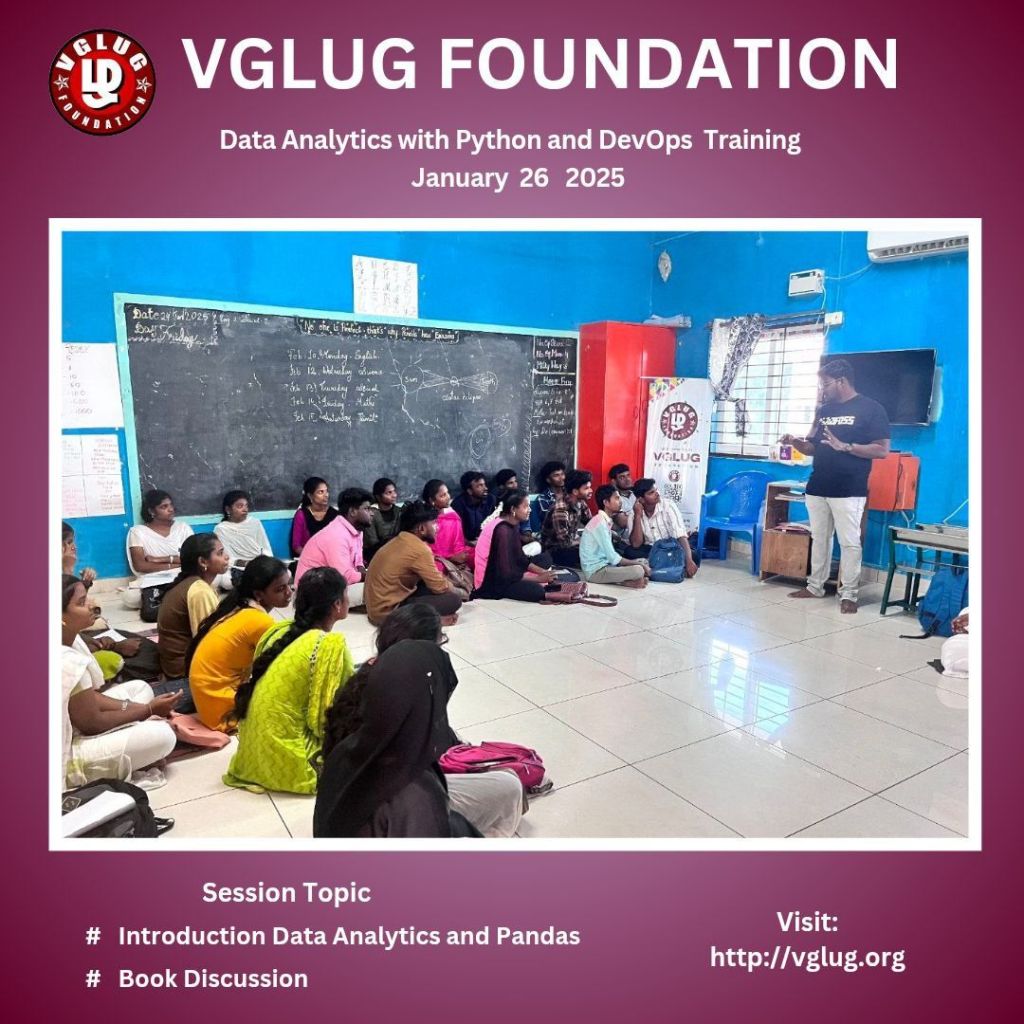
Data Analytics with Python Team 1 & Team 2(Arts & Science)
Topics:
session 1:
Introduction to Data analytics & python – Kowsalya
session 2:
Book Reading – sathish
Introduction to Data analytics & python
Session taken by kowsalya
Data Analytics involves examining raw data to uncover trends, patterns, and actionable insights. It is a critical process for decision-making in businesses, research, and other fields.
Key Components:
Data Collection: Gathering data from various sources like databases, APIs, or web scraping.
Data Cleaning: Removing errors, duplicates, and inconsistencies for accurate analysis.
Data Analysis: Applying statistical and computational methods to identify patterns.
Data Visualization: Presenting insights through charts, graphs, and dashboards.
Interpretation: Drawing conclusions and making informed decisions.
Introduction to Pandas:
Pandas is a powerful Python library used for data manipulation, analysis, and cleaning. It is widely used in data science, machine learning, and big data projects due to its ease of use and functionality.
Key Features of Pandas:
Data Structures:
Series: A one-dimensional labeled array (similar to a list or a column in a table).
DataFrame: A two-dimensional labeled data structure (like a spreadsheet or SQL table).
Data Manipulation:
Handling missing data.
Filtering, merging, and reshaping datasets.
Data Analysis:
Statistical operations like mean, median, and standard deviation.
Grouping and aggregation for summarizing data.
Data Input/Output:
Reading from and writing to various file formats (CSV, Excel, SQL, JSON).
Data Visualization:
Integrates with Matplotlib for quick visualizations.
How to Install Pandas
pip install pandas
Book Reading
Session taken by kowsalya, she is explained
Book reading is an enriching habit that fosters knowledge, creativity, and personal growth. Here’s a summary of its key aspects:
Knowledge and Learning: Books provide access to various subjects, cultures, and experiences.
Mental Stimulation: Regular reading sharpens the brain and reduces cognitive decline.
Vocabulary and Communication: Expands language skills and enhances articulation.
Stress Reduction: A good story or inspiring content can provide relaxation and escape.
Focus and Concentration: Improves attention span and mindfulness.
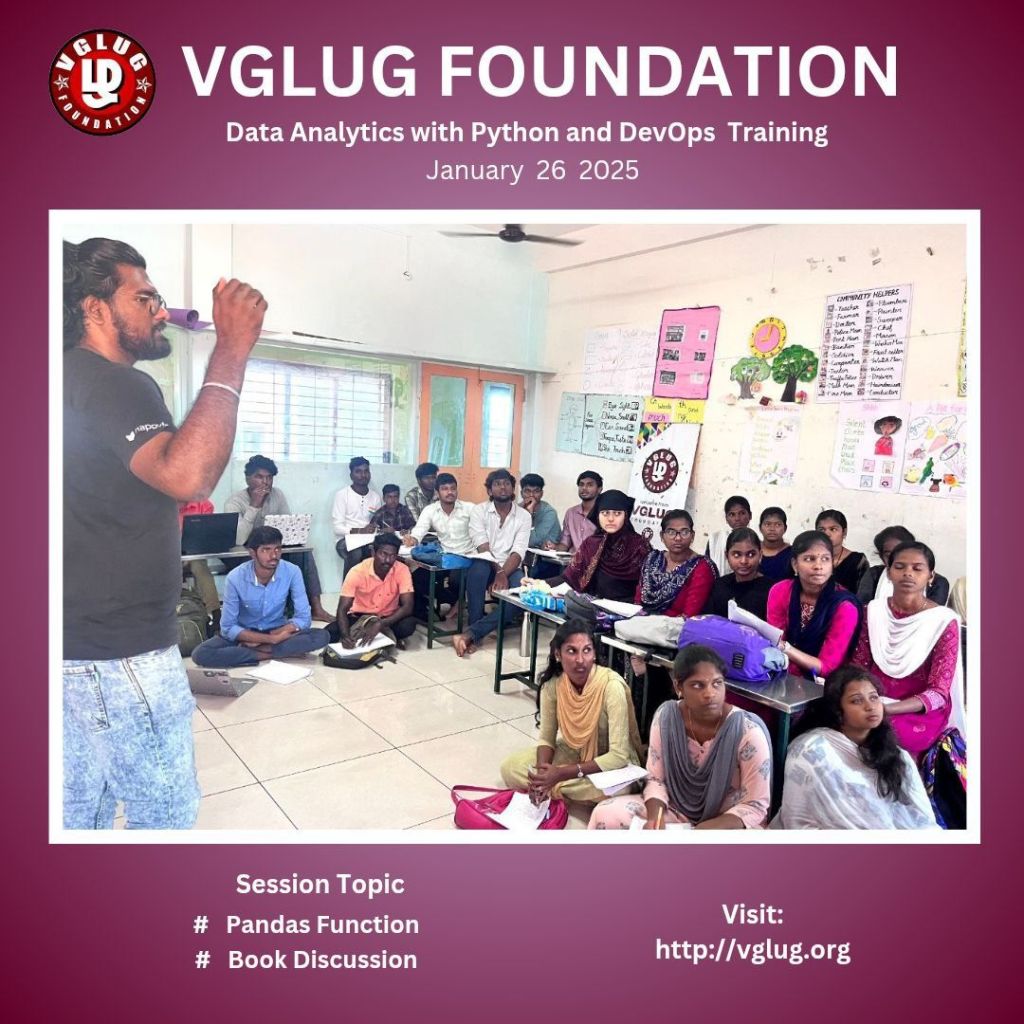
Data Analytics with Python Team 1 & Team 2(Engineering)
Topics:
session 1:
Pandas Function – Deepak
session 2:
Book Reading – Kowsalya
Pandas Function
Session taken by Deepak
Pandas is a powerful Python library for data manipulation and analysis
Data Creation:
pandas.DataFrame(): Creates a two-dimensional, size-mutable, and heterogeneous tabular data structure.
pandas.Series(): Creates a one-dimensional labeled array.
Reading/Writing Data:
read_csv(): Reads a CSV file into a DataFrame.
to_csv(): Exports a DataFrame to a CSV file.
read_excel() / to_excel(): For reading and writing Excel files.
read_json() / to_json(): Handles JSON data.
Data Exploration:
head() / tail(): Displays the first or last few rows of the data.
info(): Provides a concise summary of the DataFrame.
describe(): Gives statistical summaries of numerical columns.
shape: Returns the dimensions of the DataFrame (rows, columns).
columns: Lists all column names.
Data Selection:
loc[]: Access rows and columns by labels.
iloc[]: Access rows and columns by integer positions.
at[] / iat[]: Access a single value using labels or positions.
Data Cleaning:
isnull() / notnull(): Checks for missing values.
dropna(): Removes missing values.
fillna(): Replaces missing values with a specified value.
replace(): Replaces specific values in the data.
Data Manipulation:
sort_values(): Sorts data by a column or index.
groupby(): Groups data for aggregation or transformation.
pivot_table(): Creates pivot tables.
merge() / join(): Combines multiple DataFrames.
concat(): Concatenates multiple DataFrames or series.
Data Transformation:
apply(): Applies a function to rows/columns.
map(): Applies a function to each element of a Series.
astype(): Converts data to a specific type.
duplicated() / drop_duplicates(): Finds and removes duplicate rows.
Statistical Functions:
mean() / median(): Calculates mean and median.
sum() / count(): Computes total or count of values.
min() / max(): Finds minimum and maximum values.
Book discussion
Dilip handled this session,
He explained the benefits of book reading and he gave one book to all of them to read.
1. Gain Knowledge
Books are full of information. Whether it’s a novel, biography, or science book, every page teaches us something new.
2. Relax Your Mind
Reading helps reduce stress and provides a peaceful escape from daily life. A good story can make you feel calm and happy.
3. Improve Focus and Memory
When you read, you concentrate on the story or subject, which strengthens your focus and helps improve memory.
4. Expand Vocabulary
The more you read, the more words you learn. This helps you communicate better and feel more confident.
5. Boost Imagination
Books let you explore new worlds and ideas, sparking creativity and imagination.
Devops
Topics:
session 1:–
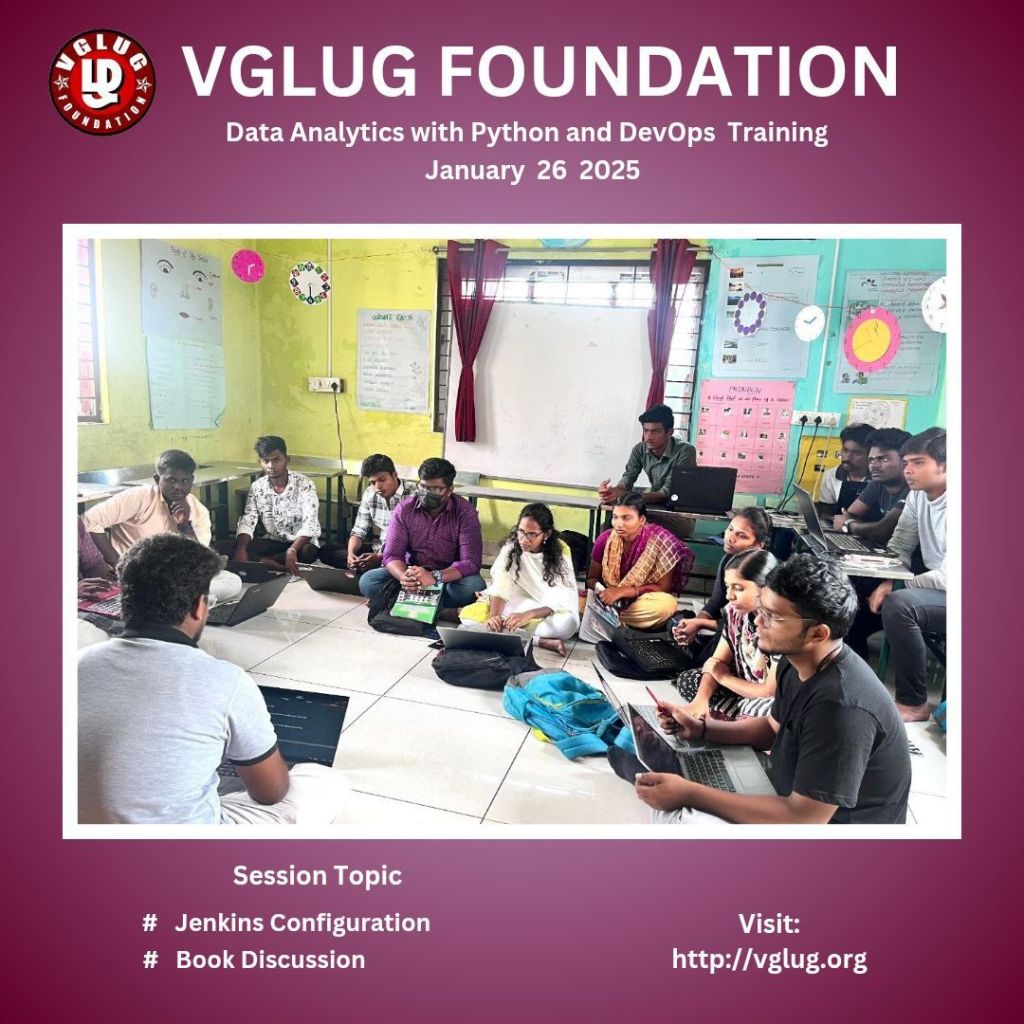
Jenkins Configuration – Loganathan
session 2:
Book Reading – Deepak
Jenkins Configuration
Jenkins is a widely-used open-source automation tool for continuous integration and delivery (CI/CD).
Initial Setup:
Download and Install Jenkins:
Use the Jenkins .war file or install via package managers like apt, yum, or Docker.
Unlock Jenkins: After installation, access <a href=”http://http://<server-ip>:8080 and provide the admin password found in /var/lib/jenkins/secrets/initialAdminP assword.
Install Plugins: During the setup, install suggested plugins or select specific ones as needed.
Global Configuration:
• Manage Jenkins:
Go to Manage Jenkins System. Configure
Set global properties like:
JDK Path: Path to Java Development Kit.
Git Path: Path to Git binary.
Maven Settings: Add Maven installation if required.
Credentials Management:
Go to Manage Jenkins Credentials.
Store credentials (username/password, SSH keys, etc.) securely for integration with SCMs, servers, and tools.
Job Configuration:
• Freestyle Project:
Create a new Freestyle Project to define custom build steps.
• Pipeline Job:
Use the Pipeline job type to define CI/CD workflows as code using a Jenkinsfile
pipeline {
agent any
stages {
stage(‘Build’) {
steps {
echo ‘Building…’
}
}
stage(‘Test’) {
steps {
echo ‘Testing…’
}
}
stage(‘Deploy’) {
steps {
echo ‘Deploying…’
}
}
}
}
Book discussion
Deepak handled this session,
He explained the benefits of book reading and he gave one book to all of them to read.
1. Gain Knowledge
Books are full of information. Whether it’s a novel, biography, or science book, every page teaches us something new.
2. Relax Your Mind
Reading helps reduce stress and provides a peaceful escape from daily life. A good story can make you feel calm and happy.
3. Improve Focus and Memory
When you read, you concentrate on the story or subject, which strengthens your focus and helps improve memory.
4. Expand Vocabulary
The more you read, the more words you learn. This helps you communicate better and feel more confident.
5. Boost Imagination
Books let you explore new worlds and ideas, sparking creativity and imagination.
Arts team1&Arts Team2
Devops
Thanks To,
1.Sathishkumar
2. Dilip
3. Deepak
4.Madhusoodhan
5. Kowsalya

 VGLUG Foundation