
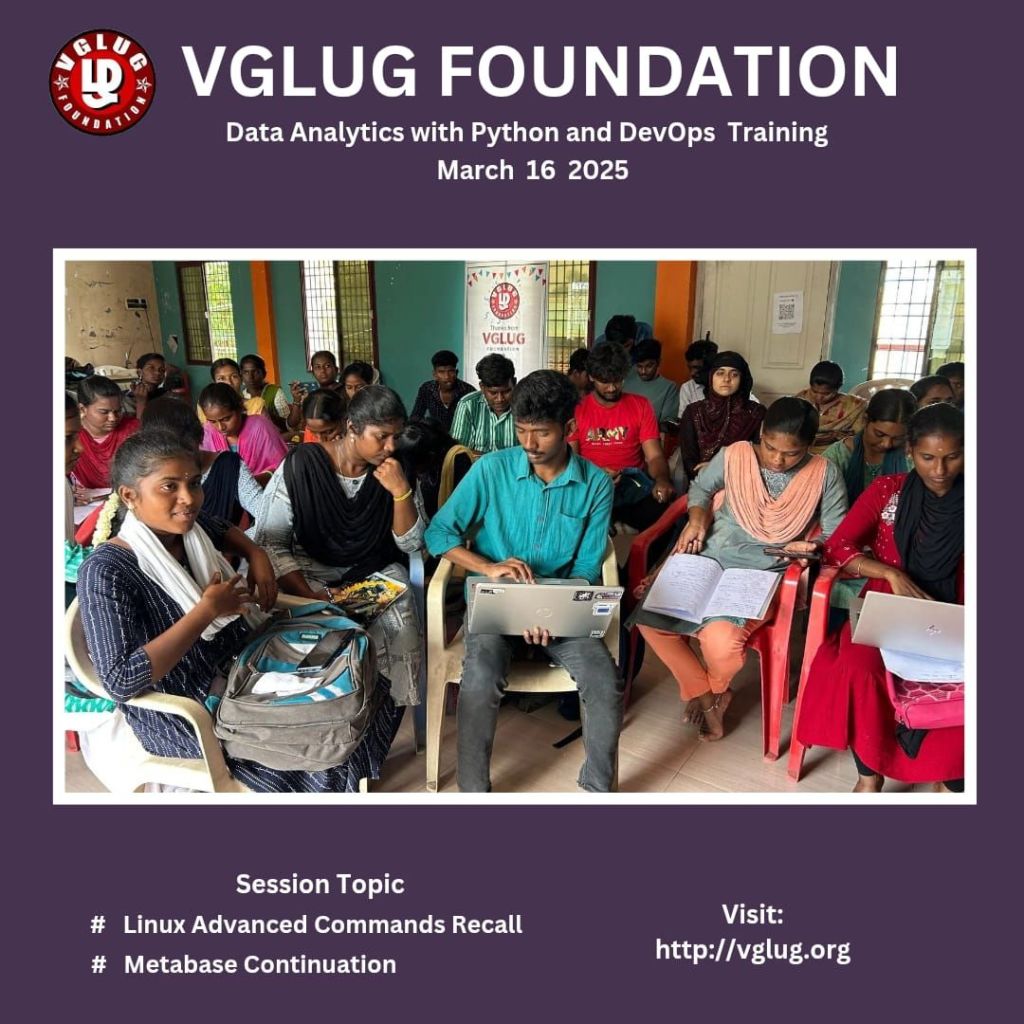
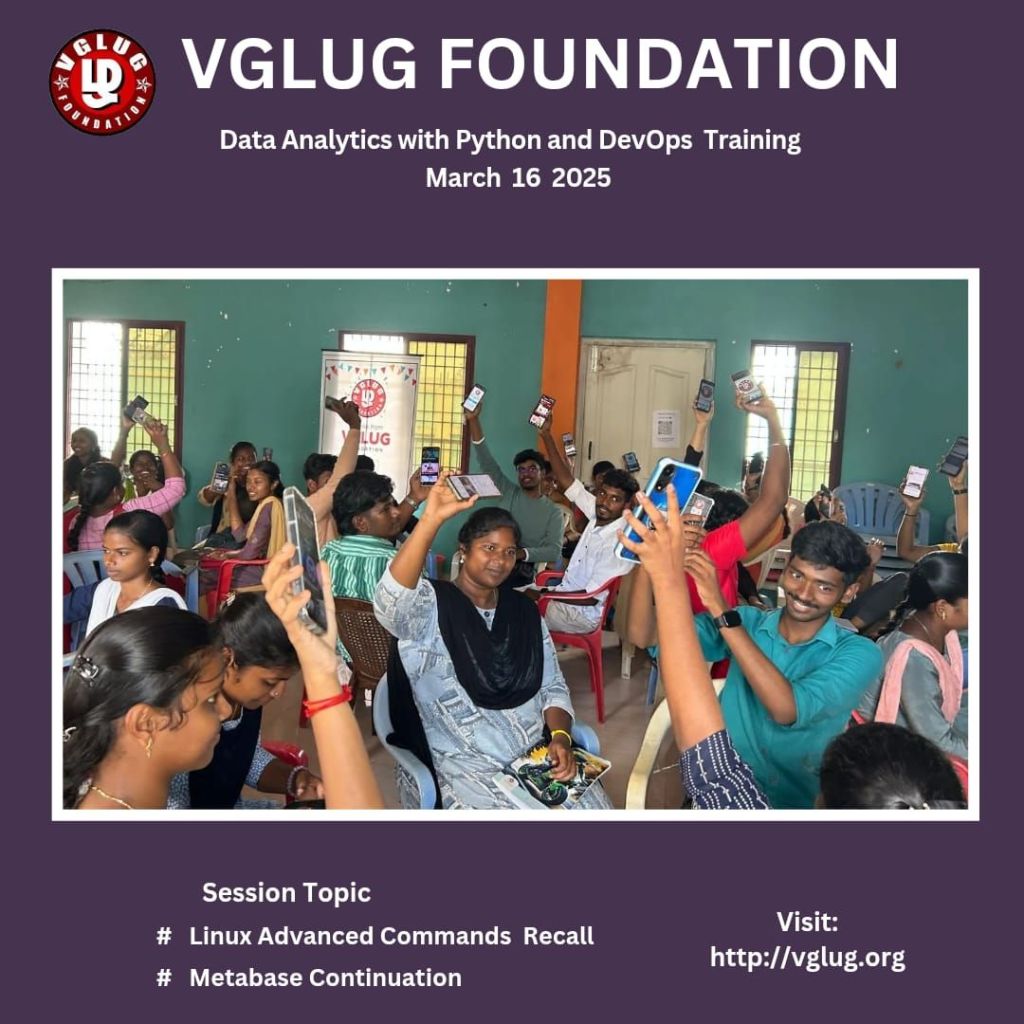
Date:16 ‘th March 2025 (Sunday)
Time: 9:30 AM to 1:00 PM
Venue:
Padmanabhan Arangam, Bhavani Street, Alamelupuram, Villupuram-605602.
Landmark: Ulagamani thirumana mandapam
Villupuram 605602
Minutes of meeting
Data Analytics with Python Arts Team 1 , Team 2 & Engineering Team 1, Team 2
Topics:
- Session 1: Metabase Continuation
Session 1:
Metabase Continuation :
What is a Meta Base?
Definition: A meta base is a structured repository of data that provides insights and analytics for decision-making.
Purpose: To organize, manage, and analyze data effectively.
Key Components of a Meta Base:
Data Sources: Where the data originates (e.g., databases, APIs).
Data Storage: How and where data is stored (e.g., cloud storage, local servers).
Data Retrieval: Methods for accessing and querying data.
Basic Data Types:
Structured Data: Organized data in fixed fields (e.g., databases).
Unstructured Data: Unorganized data without a predefined format (e.g., text files, images).
Simple Queries:
Introduction to basic querying languages (e.g., SQL).
Example: Retrieving data from a table using a simple SELECT statement
Advanced Topics:
Advanced Analytics:
Predictive Analytics: Techniques for forecasting future trends based on historical data.
Machine Learning: Introduction to algorithms that enable systems to learn from data and make predictions.
Data Governance and Compliance:
Data Quality Management: Ensuring accuracy, consistency, and reliability of data.
Regulatory Compliance: Understanding laws and regulations governing data usage (e.g., GDPR, HIPAA).
6. Performance and Optimization
Database Optimization Techniques:
Indexing: Improving data retrieval speed by creating indexes on database columns.
Query Optimization: Techniques for writing efficient queries to reduce execution time.
Scalability Considerations:
Horizontal vs. Vertical Scaling: Strategies for scaling databases to handle increased loads.
7. Integration and Automation
APIs and Data Connectivity:
Using APIs: How to connect and integrate with external data sources and services.
Automation Tools: Introduction to tools like Apache Airflow for automating data workflows.
Real-Time Data Processing:
Stream Processing: Techniques for processing data in real-time (e.g., Apache Kafka, Apache Flink).
8. Future Trends and Innovations
Emerging Technologies:
Artificial Intelligence in Data Management: How AI is transforming data analytics and decision-making.
Blockchain for Data Integrity: Exploring the role of blockchain in ensuring data security and transparency.
Example: A Simple Library Database:
Basic Data Types:
- BookID (Integer, Primary Key)
- Title (String)
- AuthorID (Integer, Foreign Key)
- PublishedYear (Integer)
Authors Table:
- AuthorID (Integer, Primary Key)
- Name (String)
- Country (String)
Borrowers Table:
- BorrowerID (Integer, Primary Key)
- Name (String)
- MembershipDate (Date)
Basic Operations (CRUD):
- Create: Add new books, authors, or borrowers to the database.
- Read: Retrieve information about books, authors, or borrowers.
- Update: Modify existing records (e.g., updating a book’s title).
- Delete: Remove records from the database (e.g., deleting a borrower).
Simple Query Example:
SELECT Books.Title, Authors.Name
FROM Books
JOIN Authors ON Books.AuthorID = Authors.AuthorID;
Devops
Linux advance commands recall :
- grep: Search for patterns in files.
Example: grep “search_term” file.txt - find: Search for files and directories.
Example: find /path -name “*.txt” - awk: Text processing and pattern scanning.
Example: awk ‘{print $1}’ file.txt - sed: Stream editor for filtering and transforming text.
Example: sed ‘s/old/new/g’ file.txt - tar: Archive files.
Example: tar -czvf archive.tar.gz /path - rsync: Synchronize files/directories.
Example: rsync -avz /source/ /destination/ - chmod: Change file permissions.
Example: chmod 755 script.sh - chown: Change file owner and group.
Example: chown user:group file.txt - top / htop: Display running processes.Example: top or htop
- ps: Report current processes.Example: ps aux | grep process_name
- netstat / ss: Network statistics.Example: netstat -tuln or ss -tuln
- df: Report disk space usage.
Example: df -h - du: Estimate file/directory space usage.
Example: du -sh /path - curl: Transfer data from/to a server.
Example: curl -O http://example.com/file.txt - wget: Download files from the web.
Example: wget http://example.com/file.txt - ssh: Secure shell for remote login.
Example: ssh user@hostname - screen / tmux: Terminal multiplexers for managing multiple sessions.
Example: screen or tmux - crontab: Schedule periodic jobs.
Example: crontab -e - systemctl: Control systemd services.
Example: systemctl status service_name
Acknowledgements
A big thanks to all the speakers: Vignesh, Kowsalya, Dilip, Vijayalakshmi for sharing their knowledge. The sessions provided valuable insights and practical learning experiences.
Thanking you
VGLUG Volunteer

 VGLUG Foundation