
VGLUG is dedicated to empowering rural college students through technology education.
As part of this initiative, we conduct weekly training sessions on Python With GenAI and DevSecOps..
Due to the large number of participants, the training is organized into six teams:
- Python & GenAI – Linus Torvalds(Team 1) & Grace Hopper(Team 2): Assigned to Engineering students
- Python & GenAI – Richard Stallman(Team 1) & Aron Swatz (Team 2): Assigned to Arts and Science students
- DevSecOps – Ada Lovelace (Arts) & Bob Thomas (Engg): Comprising both Engineering and Arts students
These sessions focus on practical knowledge of Python, GenAI, DevSecOps, free and open-source tools, and also include social awareness and community engagement activities.
Python With GenAI Training – 4’th Week Recap
Date: 22’nd June 2025 (Sunday)
Time: 9:30 AM to 1:00 PM
Venue:
VGLUG Foundation
SRIMAA PRESCHOOL (Gov Recognized)
Landmark: Opposite to BSNL Exchange
Villupuram 605602
Minutes of the Meeting
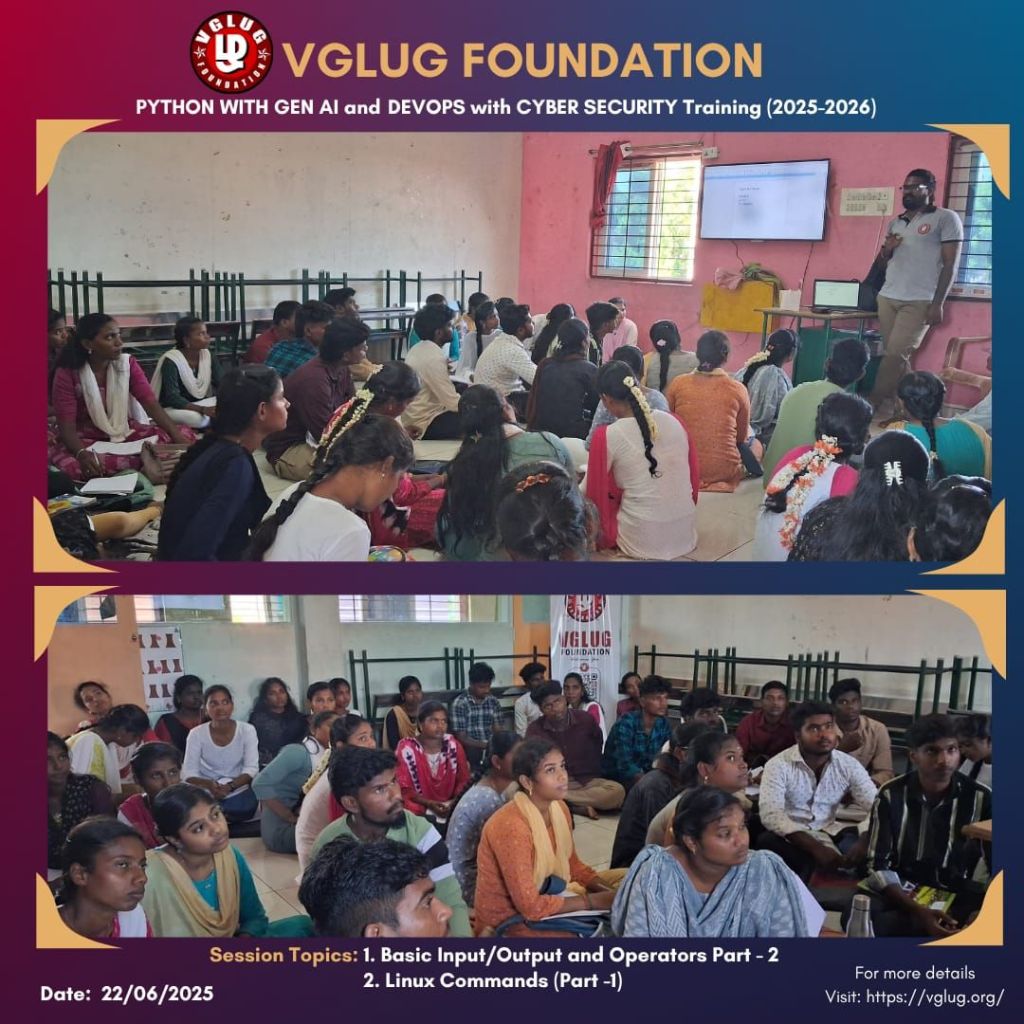
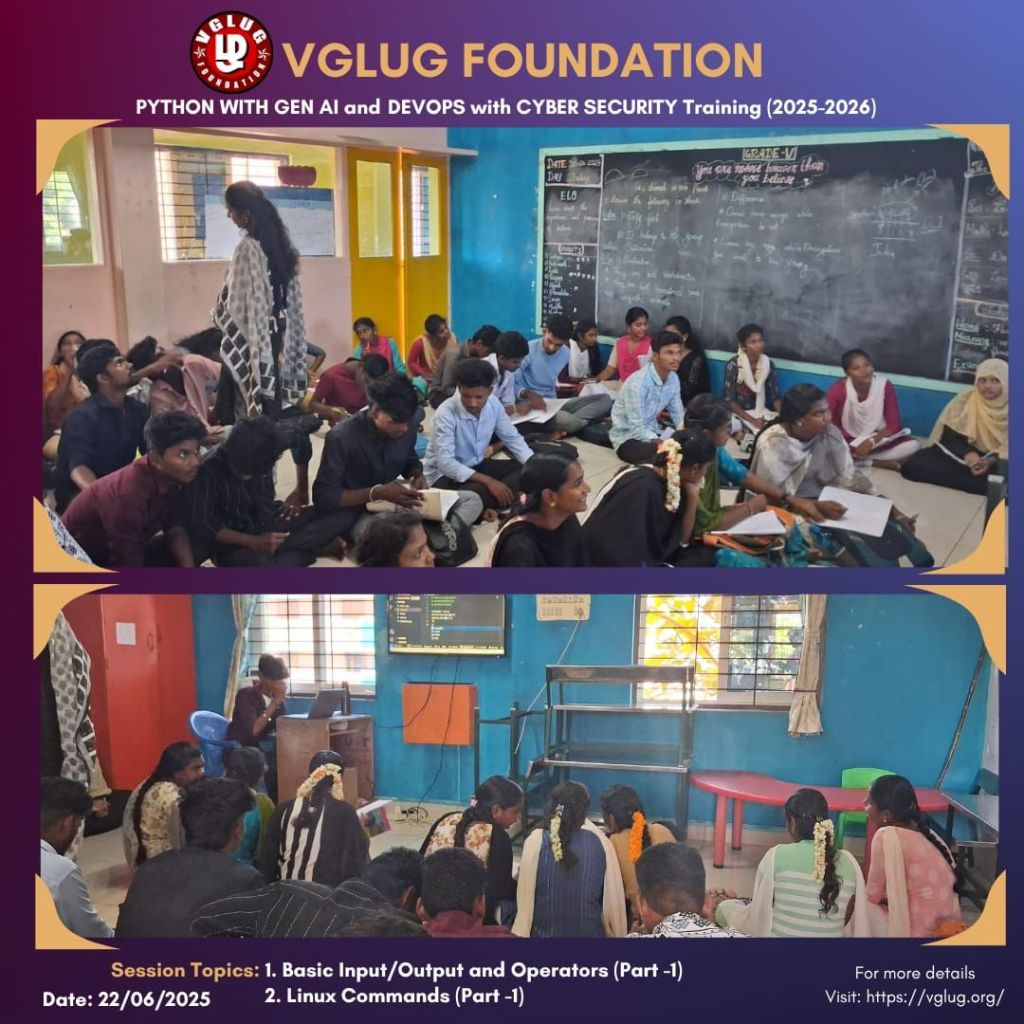
Python With GenAI – Richard Stallman & Aron Swatz(Arts)
Session 1: Basic input/output and operators – Deepak & Kanimozhi
we covered the basics of how programs interact with users through input and output, and explored the different types of operators used in programming.
Types of operators:
🔹 Arithmetic Operators: +, -, *, /, %
🔹 Relational Operators: ==, !=, <, >, <=, >=
🔹 Logical Operators: and, or, not / &&, ||, !
🔹 Assignment Operators: =, +=, -=,
Arithmetic Operators:
+ (Addition)
– (Subtraction)
* (Multiplication)
/ (Division)
% (Modulus – Remainder)
** (Exponentiation)
// (Floor Division)
a = 10
b = 3
print(a + b) # 13
print(a % b) # 1
Relational (Comparison) Operators:
== (Equal to)
!= (Not equal to)
<, >, <=, >=
Session 2: WordPress Part 2- Deepak & Mathusoothanan
age = 18
print(age >= 18) # True
Logical Operators:
and – returns True if both conditions are True
or – returns True if at least one condition is True
not – reverses the condition
a = 5
b = 10
print(a < b and b < 20) # True
print(not(a > b)) # True
Assignment Operators:
= (Assign)
+=, -=, *=, /=, //=, %=, **=
x = 5
x += 3 # Same as x = x + 3
print(x) # 8
Session 2:Linux Commands – Part 1 (Basic Terminal Commands) – Mathusoothanan & Vasanth
were introduced to the Linux terminal and learned how to interact with the operating system using basic shell commands.
What is Linux?
Linux is an open-source, Unix-like operating system.
Commands are executed via the Terminal (also called shell or console).
Common shells: bash, zsh, etc.
# Show current working directory
pwd
# List files and directories
ls
ls -l # long listing format
ls -a # show hidden files
# Change directory
cd foldername
cd .. # go back one directory
cd ~ # go to home directory
# Create a new directory
mkdir foldername
# Create an empty file
touch filename.txt
# Remove files and directories
rm filename.txt
rm -r foldername # remove directory recursively
# Copy files and directories
cp file1.txt file2.txt
cp -r folder1/ folder2/
# Move or rename files
mv oldname.txt newname.txt
mv filename.txt /path/to/destination/
# Clear the terminal screen
clear
# Get help/manual for a command
man ls
man cd
DevSecOps:
Session 1: Basics Linux usage – Viknesh K
we explored the fundamental day-to-day usage of Linux, focusing on how users interact with the system through the command line. Unlike graphical operating systems like Windows, Linux gives users powerful control via the terminal. We introduced essential commands for checking system status, managing files, viewing processes, and performing basic system tasks.
# 1. Check who you are (current user)
whoami
# 2. Show current date and time
date
# 3. Check current system uptime
uptime
# 4. Show current logged-in users
who
# 5. Show calendar
cal
# 6. Display current running processes
ps
# 7. List active users and processes (real-time)
top
# 8. Display disk space usage
df -h
# 9. Display memory usage
free -h
# 10. Create and edit files using nano editor
nano filename.txt # opens nano editor
# 11. Show contents of a file
cat filename.txt
# 12. Read a file one page at a time
less filename.txt
more filename.txt
# 13. Reboot the system (needs sudo)
sudo reboot
# 14. Shutdown the system
sudo shutdown now
# 15. Check your current shell
echo $SHELL
Practice Session :
Session 2: Open source – Kowsalya V
Open Source refers to software whose source code is freely available to view, use, modify, and distribute. It encourages collaboration, transparency, and community-driven development.
What is FOSS??
Free = freedom, not necessarily free of cost
Open Source = source code is publicly available
Users have the right to:
- Use the software for any purpose
- Study how it works and modify it
- Distribute copies
- Improve the software and release improvements
Examples:
– GNU/Linux – Operating System
– Firefox – Web Browser
– LibreOffice – Office Suite
– GIMP – Image Editing
– Audacity – Audio Editing
– Krita – Drawing & Art
– Blender – 3D Animation
– Kdenlive – Video Editing
Common FOSS Licenses:
– GPL – Strong Copyleft (stay free)
– MIT – Very permissive
– Apache – Allows reuse with conditions
– Creative Commons – For media/content
Why FOSS Matters:
– User freedom and control
– No vendor lock-in
– Encourages local innovation
– Transparent and privacy-respecting
– Great for students and communities
Explore FOSS:
– https://github.com
– https://gitlab.com
– https://f-droid.org
– https://codeberg.org
– https://www.gnu.org
Special thanks to the VGLUG volunteers —Vasanth, Vignesh, Kanimozhi, Deepak and Kowsalya — for their dedicated support and commitment to making these training sessions successful.


 VGLUG Foundation