
VGLUG is dedicated to empowering rural college students through technology education.
As part of this initiative, we conduct weekly training sessions on Python With GenAI and DevSecOps..
Due to the large number of participants, the training is organized into six teams:
- Python & GenAI – Linus Torvalds(Team 1) & Grace Hopper(Team 2): Assigned to Engineering students
- Python & GenAI – Richard Stallman(Team 1) & Aron Swatz (Team 2): Assigned to Arts and Science students
- DevSecOps – Ada Lovelace (Arts) & Bob Thomas (Engg): Comprising both Engineering and Arts students
These sessions focus on practical knowledge of Python, GenAI, DevSecOps, free and open-source tools, and also include social awareness and community engagement activities.
Python With GenAI Training – 6’th Week Recap
Date: 06’th July 2025 (Sunday)
Time: 9:30 AM to 1:00 PM
Venue:
VGLUG Foundation
SRIMAA PRESCHOOL
Landmark: Opposite to BSNL Exchange
Villupuram 605602
Minutes of the Meeting
Python With GenAI – Richard Stallman and Aron Swatz(Arts) :
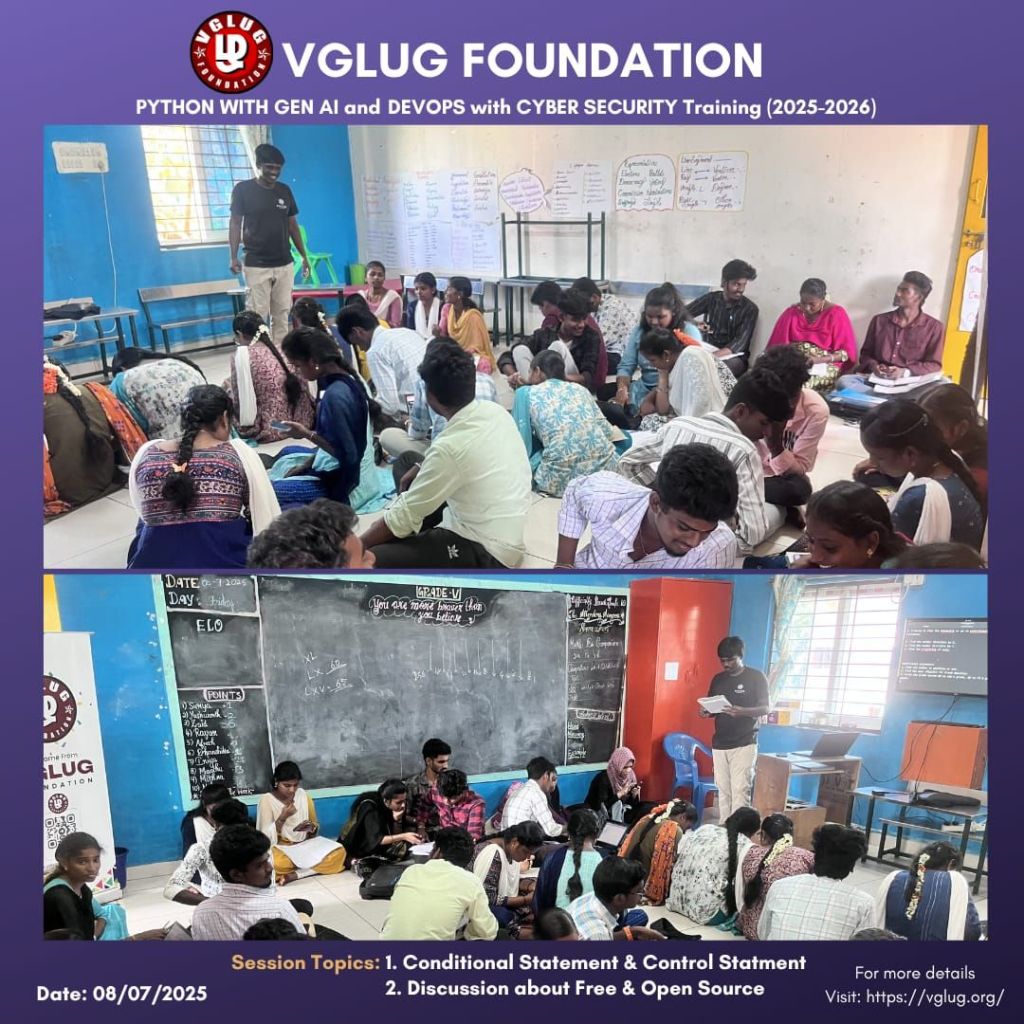
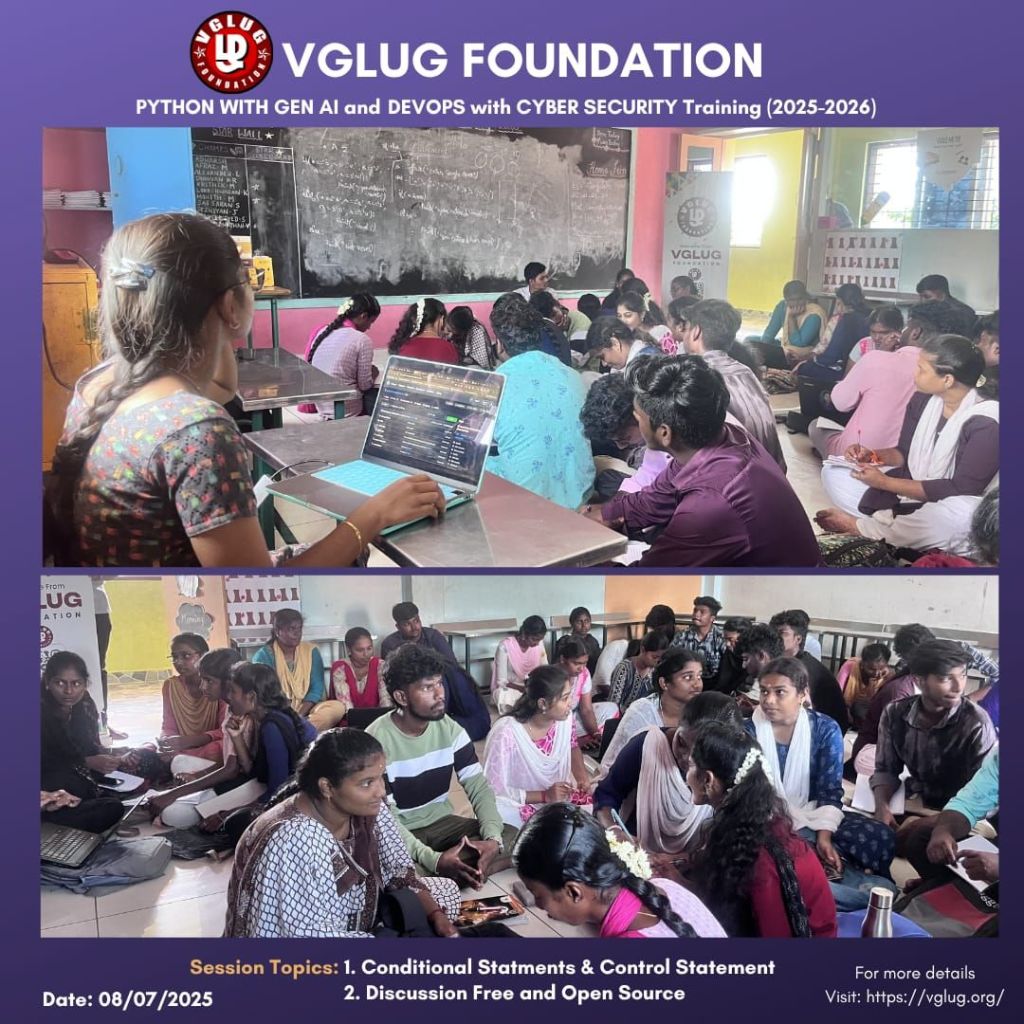
Session 1: Conditional & Control Statements – Kowsalya & Dilip
| Statement | Description | Example |
|---|---|---|
if | Executes a block if the condition is true | if a > 10: |
elif (else if) | Checks another condition if previous if was false | elif a == 10: |
else | Executes a block if all if/elif conditions are false | else: |
Nested if | An if inside another if | if a > 0: if a < 10: |
if with logical operators | Combine multiple conditions | if a > 0 and a < 100: |
| Ternary Operator (short form of if-else) | Single-line condition | result = "Yes" if a > 10 else "No" |
Example:
rain = True
if rain:
print(“Don’t go to the field.”)
else:
print(“Go to the field.”)
Nested Control Statements
Using `if` inside loops or other `if` blocks
user_list = [‘Kavitha’, ‘Arun’, ”]
for user in user_list:
if user != ”:
if user == ‘Kavitha’:
print(user + ” is leading today’s VGLUG session”)
else:
print(user + ” is attending”)
else:
print(“Unknown user found”)
Ternary Operator (Single line if-else)
Syntax: `value_if_true if condition else value_if_false`
is_member = True
status = “Access Granted” if is_member else “Access Denied”
print(status)
Using `else` with `for` and `while` loops
Runs only if loop completes without `break`
for session in [‘Python’, ‘Linux’, ‘FOSS’]:
if session == ‘Hackathon’:
print(“Special Event Found!”)
break
else:
print(“No special event. Proceed with VGLUG workshop.”)
Chained Comparisons
Python allows elegant multiple comparisons
age = 20
if 18 <= age <= 25:
print(“Eligible for VGLUG Student Ambassador Program”)
Complex Logical Conditions
Combining `and`, `or`, `not` for validations
age = 22
region = ‘Villupuram’
member = True
if (age >= 18 and region == ‘Villupuram’) or member:
print(“Qualified for VGLUG leadership role”)
Pattern-based Input Checking
Using `in`, `startswith`, `endswith` in conditions
topic = “VGLUG Python Workshop”
if “Python” in topic and topic.endswith(“Workshop”):
print(“Proceed with GenAI module”)
Infinite Loops with Controlled Break
Used in CLI tools and chatbots
while True:
cmd = input(“VGLUG> “)
if cmd == “exit”:
break
print(“Running command:”, cmd)
Using `pass` in structure planning
Empty block placeholder for future code
Control Statements:
What are Control Statements?
Control statements manage the **flow of execution** in a program. They help in decision making, repeating or skipping parts of code.
1. `break` Statement
Used to exit the loop immediately.
sessions = [‘Python’, ‘Linux’, ‘Git’, ‘exit’, ‘FOSS’]
for topic in sessions:
if topic == ‘exit’:
print(“End of today’s VGLUG agenda.”)
break
print(“Discussing:”, topic)
2. `continue` Statement
Skips the current loop iteration.
participants = [‘Arun’, ”, ‘Kowsalya’, ”]
for name in participants:
if name == ”:
continue
print(name + ” has joined the VGLUG meetup.”)
3. `pass` Statement
Does nothing. Used as a placeholder.
def vglug_future_plan():
pass # To be added in the next planning meeting
4. `else` with Loops
Executes only if the loop didn’t use `break`.
tools = [‘Python’, ‘Linux’, ‘Git’]
for tool in tools:
if tool == ‘Docker’:
break
print(“Tool covered:”, tool)
else:
print(“Docker session is not scheduled by VGLUG.”)
5. Nested Control Statements
users = [‘Kowsalya’, ‘Arun’, ‘Vasanth’]
roles = [‘admin’, ‘member’, ‘guest’]
for user in users:
for role in roles:
print(user, “->”, role)
if user == ‘Arun’ and role == ‘guest’:
print(“Guest cannot access admin panel”)
break
6. Real-Life: VGLUG CLI Program
while True:
cmd = input(“VGLUG> “)
if cmd == ‘exit’:
print(“Thanks for attending!”)
break
elif cmd == ”:
continue
else:
print(“Executing:”, cmd)
QUIZ PRACTICE:
https://gemini.google.com/share/c48fb88fba62
Session 2:
Discussion about Free and open source – Kowsalya & Dilip
Open Source refers to software whose source code is freely available to view, use, modify, and distribute. It encourages collaboration, transparency, and community-driven development.
What is FOSS??
Free = freedom, not necessarily free of cost
Open Source = source code is publicly available
Users have the right to:
- Use the software for any purpose
- Study how it works and modify it
- Distribute copies
- Improve the software and release improvements
Examples:
– GNU/Linux – Operating System
– Firefox – Web Browser
– LibreOffice – Office Suite
– GIMP – Image Editing
– Audacity – Audio Editing
– Krita – Drawing & Art
– Blender – 3D Animation
– Kdenlive – Video Editing
Common FOSS Licenses:
– GPL – Strong Copyleft (stay free)
– MIT – Very permissive
– Apache – Allows reuse with conditions
– Creative Commons – For media/content
Explore FOSS:
– https://github.com
– https://gitlab.com
– https://f-droid.org
– https://codeberg.org
– https://www.gnu.org
Python With GenAI – Linux Torvalds Team & Grace Hopper Team
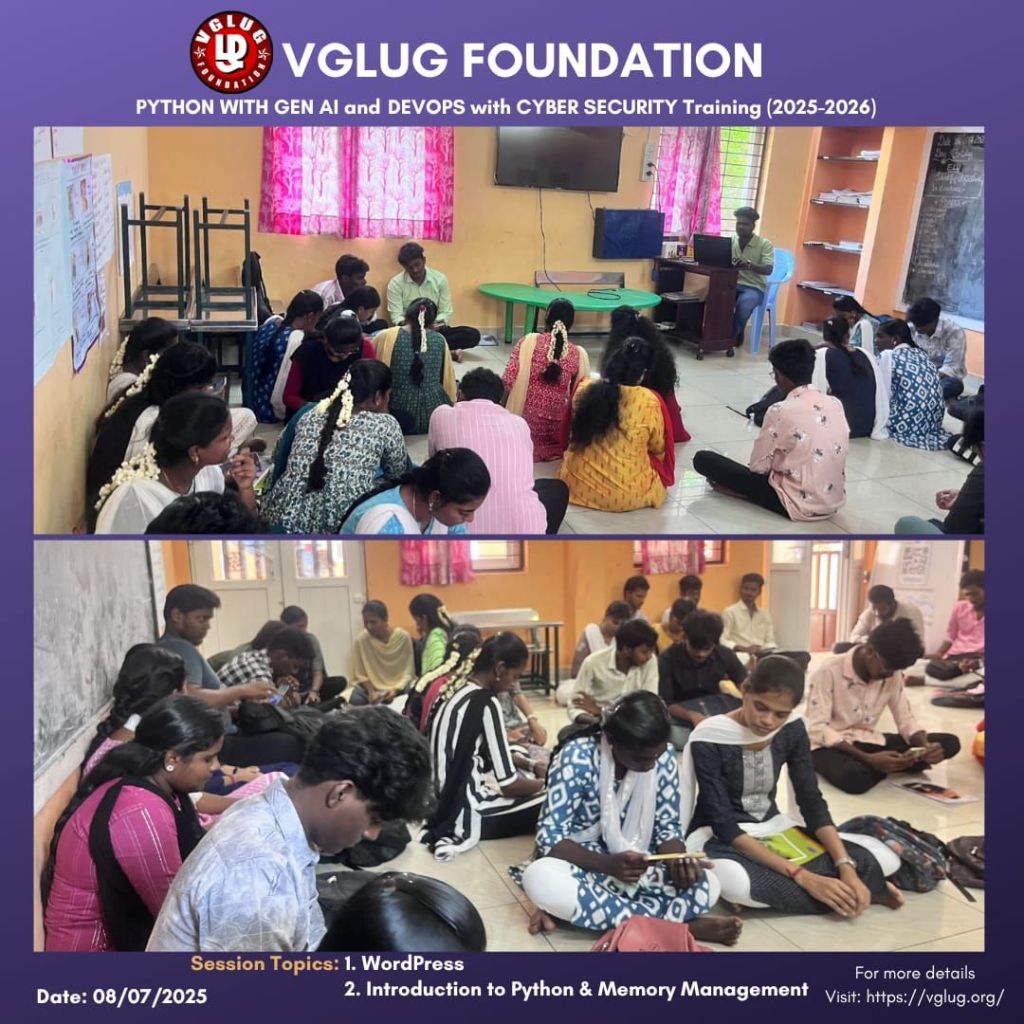
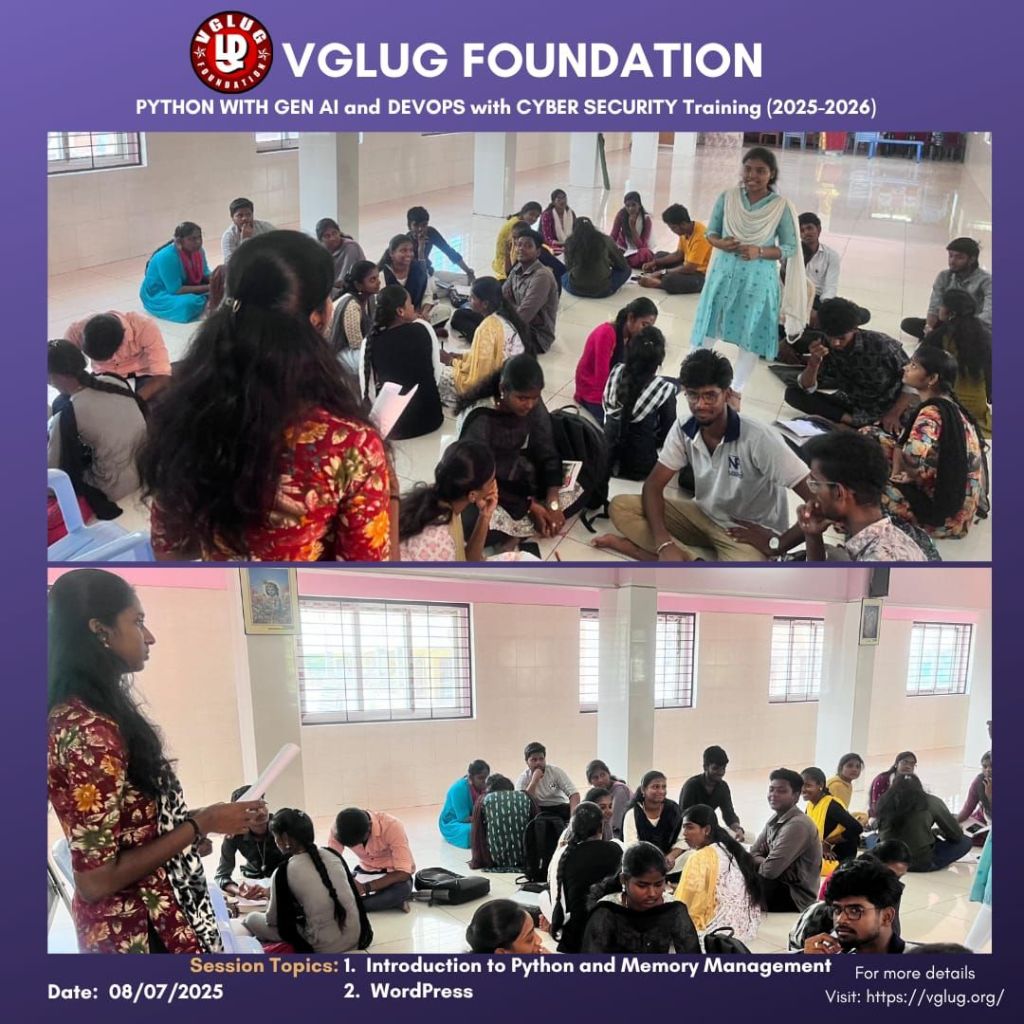
Session 1: Introduction to python and memory management – Vasanth & Kanimozhi
we introduced Python, a simple and powerful programming language. We explained how Python is easy to read and write, making it a good choice for beginners. We also discussed its wide use in areas like web development, data science, and AI.
We then explained how memory management works in Python. Python handles memory automatically using a method called Garbage Collection. It removes unused data from memory, helping the program run smoothly.
Session 2: WordPress – Vasanth & Kanimozhi
we introduced WordPress, a user-friendly platform for building websites without needing to write code. We explained the basics of WordPress, including how to choose themes, create pages, and install plugins to add new features.
As part of the hands-on activity, each student created their own personal website using WordPress. They explored the dashboard, customized their site, and published their first technical blog post.
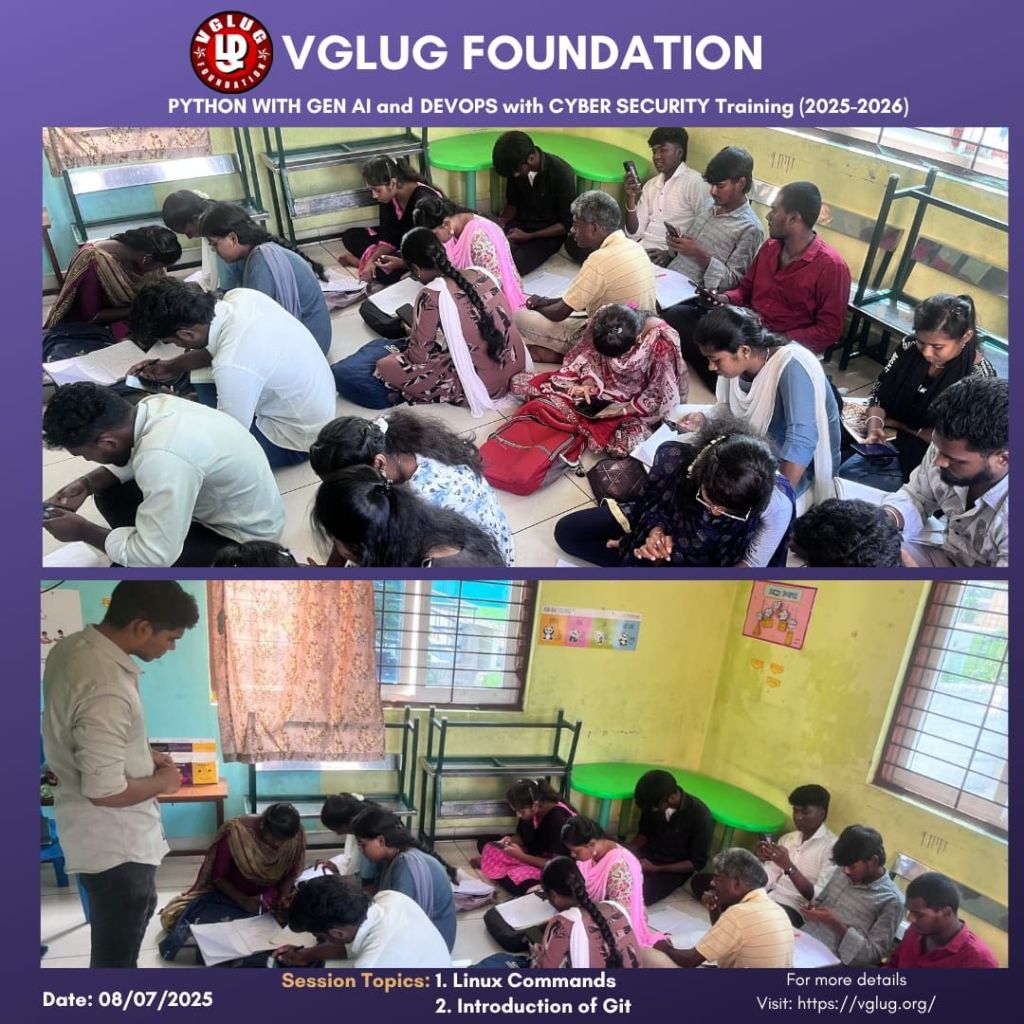
DevSecOps: Ada Lovelace –Session 1: Linux Commands – Mathusoothanan
What is Linux?
🔹 Linux is a free and open-source operating system.
🔹 It is like Windows or macOS, but it gives more control to the user.
🔹 Linux powers servers, mobile phones (Android), supercomputers, and even smart TVs.
🔹 It is secure, fast, and used heavily in programming, networking, and system administration.
What are Linux Commands?
🔹 Linux doesn’t only work with mouse clicks — it uses something called the Terminal.
🔹 Commands are typed instructions we give to Linux using the terminal.
🔹 These commands help us create files, manage users, check system info, and more.
Example:
| 🔢 No. | 🏷️ Topic | 💻 Command(s) & Description |
|---|---|---|
| 1 | File Permissions & Ownership | ls -l → Show permissions chmod +x script.sh → Make script executable sudo chown vglug_user filename.txt → Change file owner |
| 2 | Process Management | ps aux → Show all running processes `ps aux |
| 3 | Archive & Compression | tar -cvf vglug_backup.tar myfolder/ → Create tar archive tar -xvf vglug_backup.tar → Extract tar gzip filename.txt → Compress with gzip gunzip filename.txt.gz → Decompress |
| 4 | Disk Usage & Space | df -h → Disk free in human-readable format du -sh * → Folder size summary |
| 5 | Networking Commands | ip a → Show IP address ping google.com → Ping server netstat -tuln → Show open ports/services |
| 6 | Package Management (APT) | sudo apt update → Refresh package list sudo apt install vim → Install package sudo apt remove vim → Remove package |
| 7 | Advanced File Searching | `f |
Session 2: introduction to Git – Loganathan
What is Git?
🔹 Git is a version control system.
🔹 It helps developers track changes in their code and collaborate with others.
🔹 Git was created by Linus Torvalds (creator of Linux) in 2005.
Why Use Git?
| Problem Without Git | Solution With Git |
|---|---|
| Accidentally deleting code | Git lets you go back to old version |
| Team members overwrite changes | Git lets everyone work together safely |
| Confusion over file versions | Git tracks every change and update |
Basic Git Commands:
| Command | Meaning |
|---|---|
git init | Start a new Git project |
git status | Check the current state |
git add filename | Stage file changes |
git commit -m "message" | Save the changes with a message |
git log | View previous commits |
git clone URL | Copy a remote project to local |
git push | Upload your changes |
git pull | Download latest changes from others |
Git Workflow (Simple Steps)
git init → Start a project
git add → Stage the changes
git commit → Save the changes
git push → Send to GitHub or GitLab
DevSecOps: Bob Thomas Team
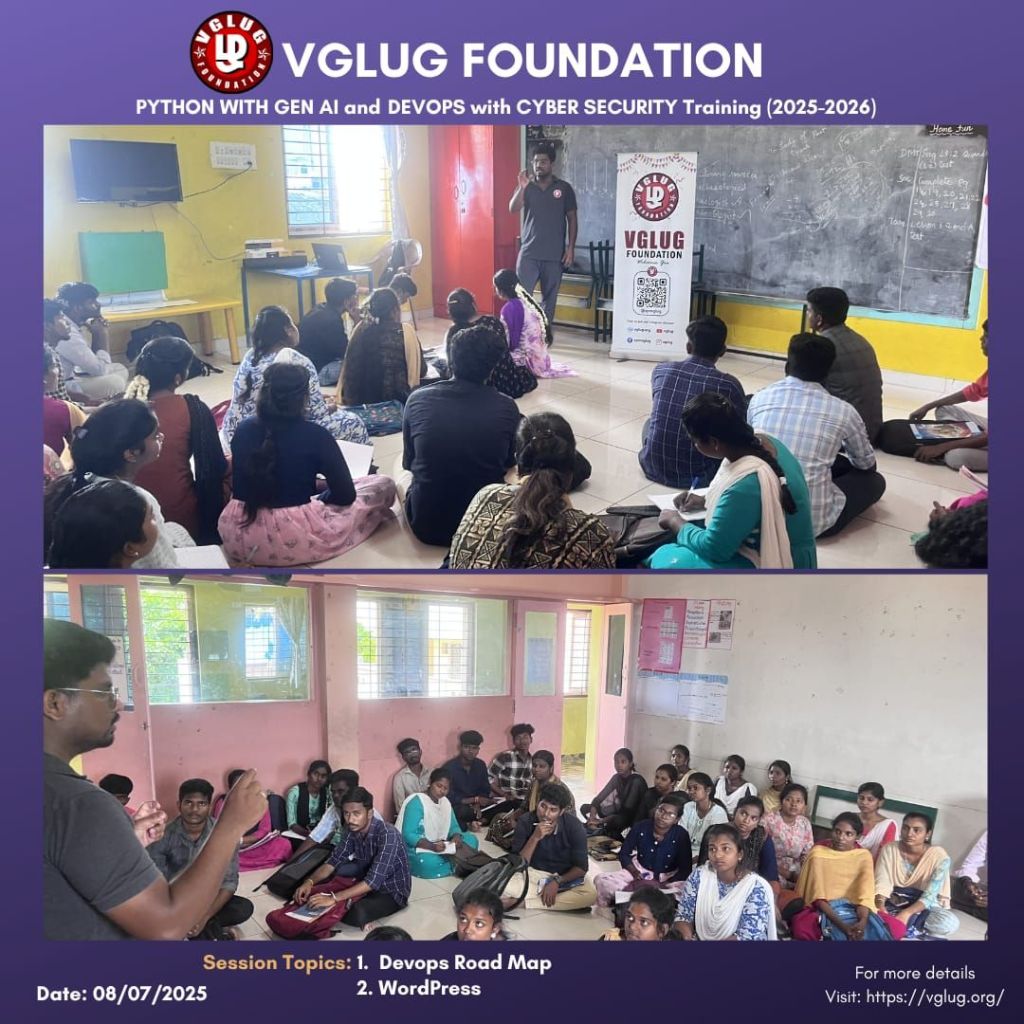
Session 1:Devops Road Map – Loganathan
we introduced the DevOps Roadmap, which helps students understand the step-by-step path to becoming a DevOps engineer. We explained the importance of DevOps in today’s software industry and how it bridges the gap between development and operations teams.
- Basics of Linux and Command Line
- Git & GitHub for version control
- CI/CD tools like Jenkins and GitHub Actions
- Basics of Docker and Kubernetes
- Importance of monitoring and cloud platforms (like AWS)
Session 2: WordPress – Mathusoothanan
we introduced WordPress, a user-friendly platform for building websites without needing to write code. We explained the basics of WordPress, including how to choose themes, create pages, and install plugins to add new features.
As part of the hands-on activity, each student created their own personal website using WordPress. They explored the dashboard, customized their site, and published their first technical blog post.
Special thanks to the VGLUG volunteers —Vasanth, Kowsalya, Dilip, Loganathan ,Mathusoothanan and Kanimozhi — for their dedicated support and commitment to making these training sessions successful.

 VGLUG Foundation