
VGLUG is dedicated to empowering rural college students through technology education.
As part of this initiative, we conduct weekly training sessions on Python With GenAI and DevSecOps..
Due to the large number of participants, the training is organized into six teams:
- Python & GenAI – Linus Torvalds(Team 1) & Grace Hopper(Team 2): Assigned to Engineering students
- Python & GenAI – Richard Stallman(Team 1) & Aron Swatz (Team 2): Assigned to Arts and Science students
- DevSecOps – Ada Lovelace (Arts) & Bob Thomas (Engg): Comprising both Engineering and Arts students
These sessions focus on practical knowledge of Python, GenAI, DevSecOps, free and open-source tools, and also include social awareness and community engagement activities.
Python With GenAI Training – 9’th Week Recap
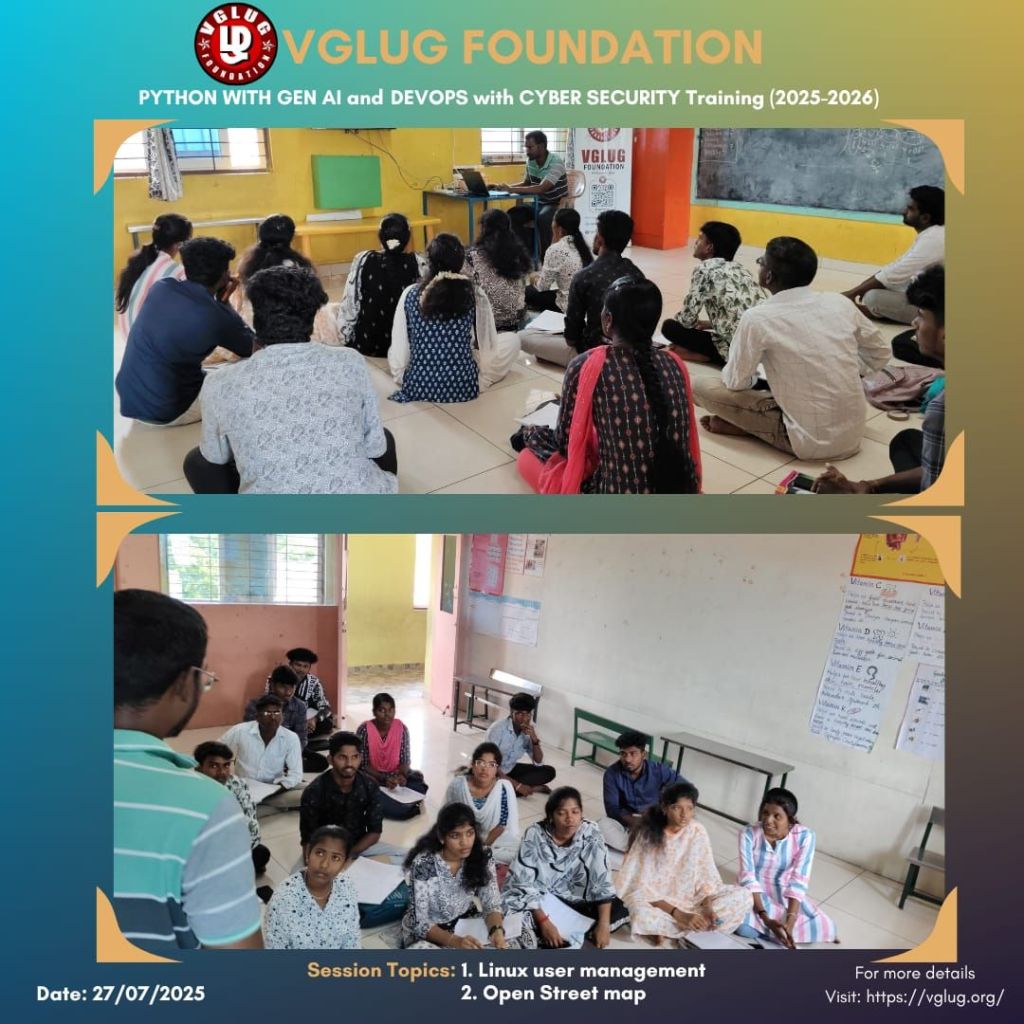
Date: 27’th July 2025 (Sunday)
Time: 9:30 AM to 1:00 PM
Venue:
VGLUG Foundation
SRIMAA PRESCHOOL
Landmark: Opposite to BSNL Exchange
Villupuram 605602
Minutes of the Meeting
Python With GenAI – Richard Stallman and Aron Swatz(Arts) :
Session 1: Open Street Map – Dilip
- This week’s VGLUG session introduced students to OpenStreetMap (OSM) — the open-source map of the world.
- Participants learned how to explore and contribute to OSM using real-time mapping tools.
- They created accounts, added local landmarks, and understood the impact of community-driven maps.
- The hands-on session helped them grasp the power of open data and collaborative mapping.
- It was a meaningful experience blending tech, geography, and social impact.
Session 2: List in python – Vijayalakshmi & Vasanth
What is a List in Python?
A list in Python is an ordered collection of items. These items can be numbers, strings, or even other lists. Lists are mutable, meaning we can change their content (add, update, or remove items) after creating them.
Example:
List of Volunteers attending VGLUG session
participants = [“Kowsalya”, “Vijayalakshmi”, “Deepak”, “Vigneshwaran”, “Karkee”, “Dilip”]
print(participants[0]) # Output: Kowsalya
Real-time Use Cases of Lists:
- Student attendance tracking – storing names of present/absent students.
- E-commerce apps – managing a user’s shopping cart.
- Music apps – keeping a list of songs in a playlist.
- Form submissions – collecting answers from multiple users in one list.
- Task managers – storing to-do items or completed tasks.
What Students Practiced:
- Created lists and accessed elements using indexing.
- Performed operations like add (append/insert), remove (pop/remove), and update.
- Explored looping through lists to print or manipulate each item.
- Worked on list slicing, sorting, and reversing elements.
- Understood how to use list comprehensions to write shorter, more efficient code.
This session gave students a clear understanding of how lists are used in real applications and how they serve as a foundation for managing data in programming. With hands-on experience and team collaboration, the session was a great step forward in building confidence with Python.
Python With GenAI – Linux Torvalds Team & Grace Hopper Team
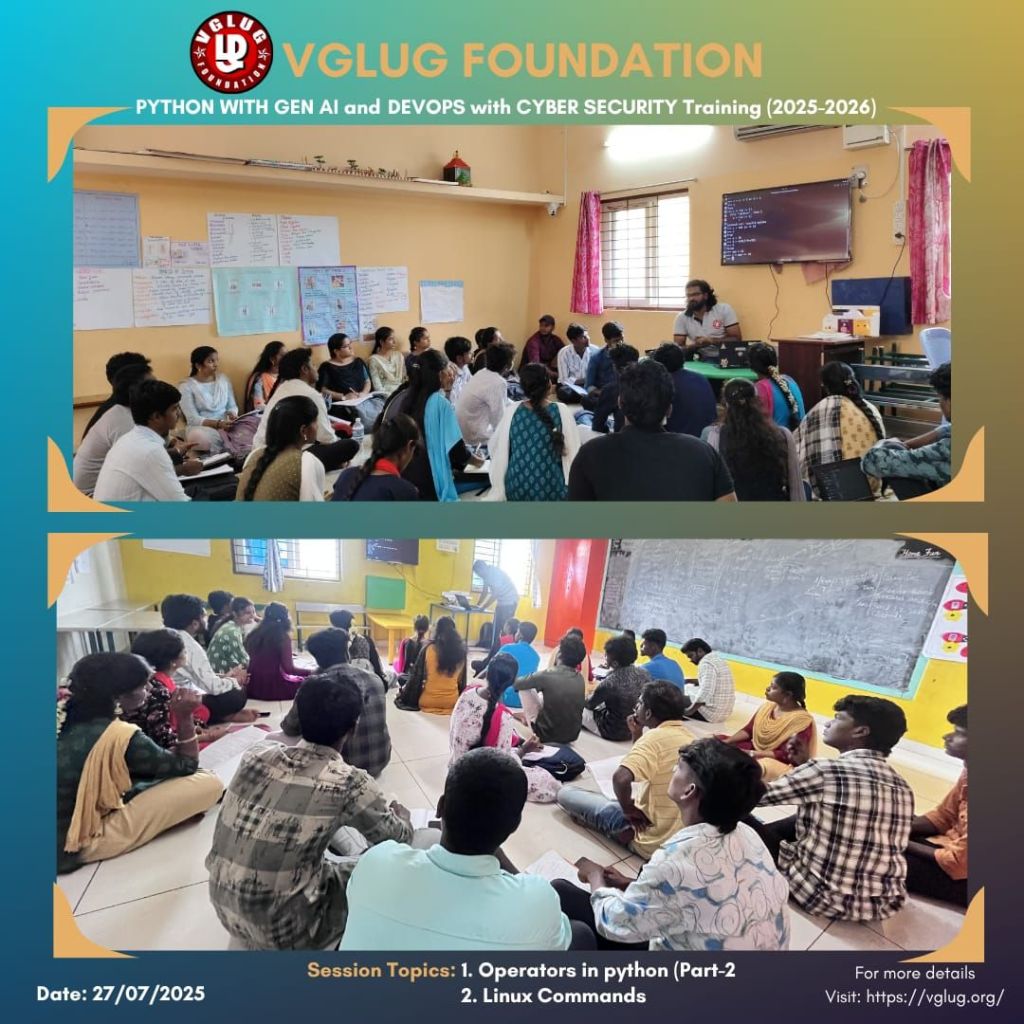
Session 1: Operators Part 2 – Deepak & Kanimozhi
What are Operators in Python?
Operators are symbols or keywords used to perform operations on variables and values.
Example: +, -, *, /, ==,
1. Arithmetic Operators
| Operator | Description | Example |
|---|---|---|
+ | Addition | 5 + 2 = 7 |
- | Subtraction | 5 - 2 = 3 |
* | Multiplication | 5 * 2 = 10 |
/ | Division | 5 / 2 = 2.5 |
// | Floor Division | 5 // 2 = 2 |
% | Modulus (remainder) | 5 % 2 = 1 |
** | Exponentiation | 2 ** 3 = 8 |
2. Assignment Operators
| Operator | Meaning | Example |
|---|---|---|
= | Assign | x = 5 |
+= | Add and assign | x += 2 → x = x + 2 |
-= | Subtract and assign | x -= 2 |
*= | Multiply and assign | x *= 2 |
/= | Divide and assign | x /= 2 |
3. Comparison (Relational) Operators
| Operator | Description | Example |
|---|---|---|
== | Equal to | 5 == 5 → True |
!= | Not equal to | 5 != 3 → True |
> | Greater than | 5 > 3 → True |
< | Less than | 5 < 3 → False |
>= | Greater or equal | 5 >= 5 → True |
<= | Less or equal | 5 <= 4 → False |
4. Logical Operators
| Operator | Description | Example |
|---|---|---|
and | True if both are True | True and True → True |
or | True if one is True | True or False → True |
not | Inverts condition | not True → False |
5. Bitwise Operators (used for binary numbers)
| Operator | Description |
|---|---|
& | AND |
| ` | ` |
^ | XOR |
~ | NOT |
<< | Left shift |
>> | Right shift |
6. Identity Operators
| Operator | Example |
|---|---|
is | x is y |
is not | x is not y |
In continuation of our previous session, this weekend’s VGLUG meetup explored advanced and less commonly understood operators in Python. While Part-1 focused on basics like arithmetic and comparison, Part-2 dived into logical, bitwise, identity, and membership operators — all through hands-on practice and real-life coding use cases.
Session 2: Linux Commands – Mathusoothanan
After learning basic Linux commands (like ls, cd, mkdir, rm, etc.), it’s important to explore more advanced Linux commands that help in managing processes, files, permissions, users, and networks. These are commonly used by developers, system admins, DevOps engineers, and power users.
Example commands:
File Permissions & Ownership
ls -l
chmod +x script.sh
chmod 755 file.txt
sudo chown user:group file.txt
Process Management
ps aux
top
kill -9
nice -n 10 command
renice -n 5
Archive & Compression
tar -cvf archive.tar folder/
tar -xvf archive.tar
gzip file.txt
gunzip file.txt.gz
Disk Usage & Space
df -h
du -sh folder/
Networking Commands
ip a
ping google.com
netstat -tuln
Package Management (Debian/Ubuntu)
sudo apt update
sudo apt upgrade
sudo apt install package-name
sudo apt remove package-name
File Searching
find / -name “*.pdf”
find . -mtime -1
grep “search_text” *.txt
User Management
sudo adduser username
sudo deluser username
su – username
Combine Commands
mkdir test && cd test
command1 || echo “Failed”
cd folder; ls; pwd
Bonus
history
alias ll=’ls -la’
crontab -e
man grep
DevSecOps: Ada Lovelace Team
Session 1: Open Street Map – Gokul
- This week’s VGLUG session introduced students to OpenStreetMap (OSM) — the open-source map of the world.
- Participants learned how to explore and contribute to OSM using real-time mapping tools.
- They created accounts, added local landmarks, and understood the impact of community-driven maps.
- The hands-on session helped them grasp the power of open data and collaborative mapping.
- It was a meaningful experience blending tech, geography, and social impact.
Session 2: Linux user management – Vignesh K
session introduced students to one of the most important aspects of system administration: Linux User Management. The goal was to help learners understand how users are created, managed, and controlled in a Linux environment — a foundational skill for anyone interested in DevOps, cybersecurity, or system administration.
1. What is User Management?
Students were introduced to the concept of managing multiple users on a Linux system — including regular users, admins (root), and groups.
2. Creating and Managing Users
Hands-on practice included:
sudo adduser vglug_member
sudo passwd vglug_member
Students learned how to:
- Create and delete users
- Change user passwords
- Switch between users (
su,sudo) - Set permissions and restrictions
Real-time Scenarios:
- Creating separate users for each VGLUG participant
- Forming teams using groups (e.g., devs, designers, content creators)
- Giving specific users access to certain files or commands
DevSecOps: Bob Thomas Team
Session 1: Open Street Map – Gokul
- This week’s VGLUG session introduced students to OpenStreetMap (OSM) — the open-source map of the world.
- Participants learned how to explore and contribute to OSM using real-time mapping tools.
- They created accounts, added local landmarks, and understood the impact of community-driven maps.
- The hands-on session helped them grasp the power of open data and collaborative mapping.
- It was a meaningful experience blending tech, geography, and social impact.
Session 2: Linux Basic commands (Navigation and file Management) – Loganathan V
Navigating the Linux File System:
Students started by exploring how Linux organizes files and folders. They learned how to move around the system using simple but powerful commands:
- pwd # Show current directory
- ls # List files and directories
- cd # Change directory
- cd .. # Go back one directory
- cd ~ # Go to home directory
File & Directory Management
- touch file.txt # Create a new file
- mkdir folder # Create a new directory
- rm file.txt # Remove a file
- rmdir folder # Remove an empty directory
- mv file.txt folder/ # Move or rename files
- cp file.txt copy.txt # Copy files
Students worked in teams to perform real-time tasks like:
- Creating folders for VGLUG projects
- Organizing files inside directories
- Practicing safe deletion using
rm -iand understanding the use oftrash-cli
Special thanks to the VGLUG volunteers —Vasanth, Dilip, Loganathan, Gukul, Deepak,Vignesh ,Kanimozhi ,Mathusoothanan and Vijayalakshmi — for their dedicated support and commitment to making these training sessions successful.




 VGLUG Foundation