
VGLUG is dedicated to empowering rural college students through technology education.
As part of this initiative, we conduct weekly training sessions on Python With GenAI and DevSecOps..
Due to the large number of participants, the training is organized into six teams:
- Python & GenAI – Linus Torvalds(Team 1) & Grace Hopper(Team 2): Assigned to Engineering students
- Python & GenAI – Richard Stallman(Team 1) & Aron Swatz (Team 2): Assigned to Arts and Science students
- DevSecOps – Ada Lovelace (Arts) & Bob Thomas (Engg): Comprising both Engineering and Arts students
These sessions focus on practical knowledge of Python, GenAI, DevSecOps, free and open-source tools, and also include social awareness and community engagement activities.
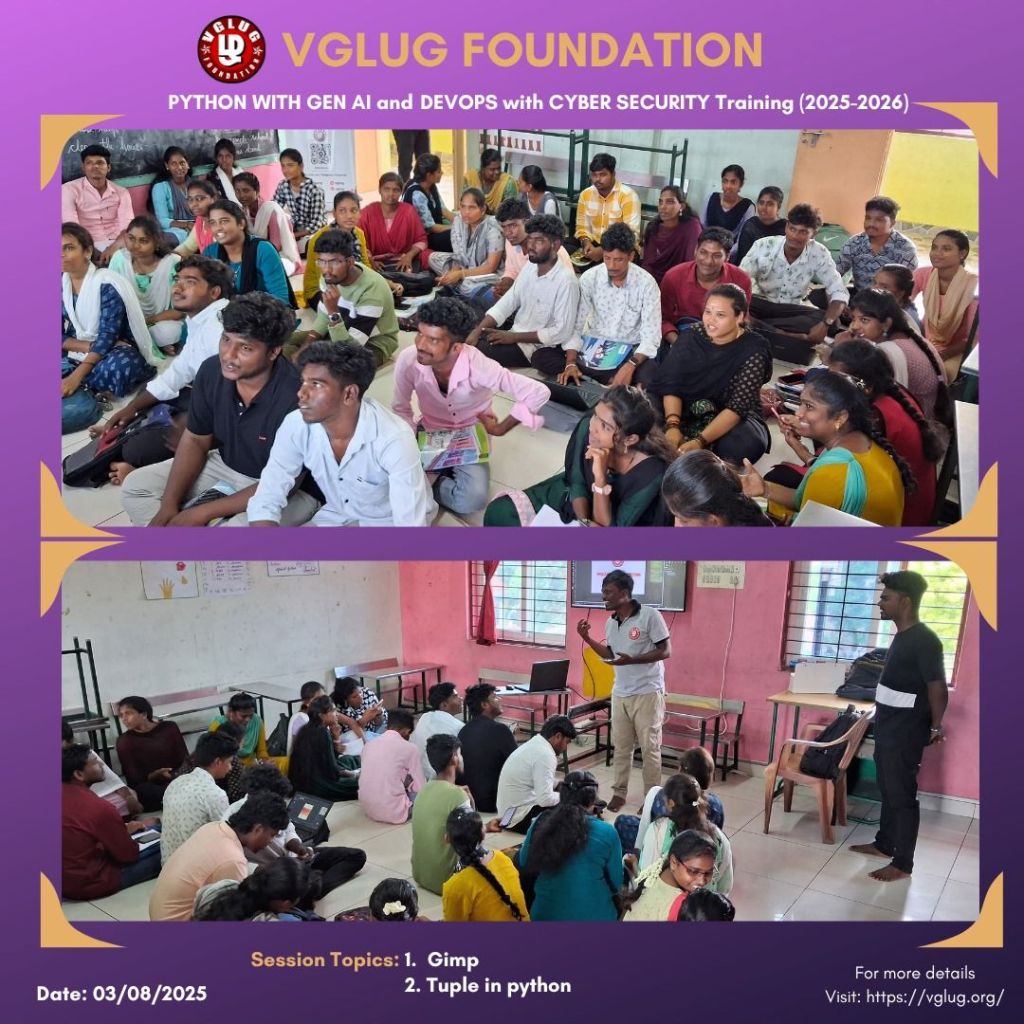
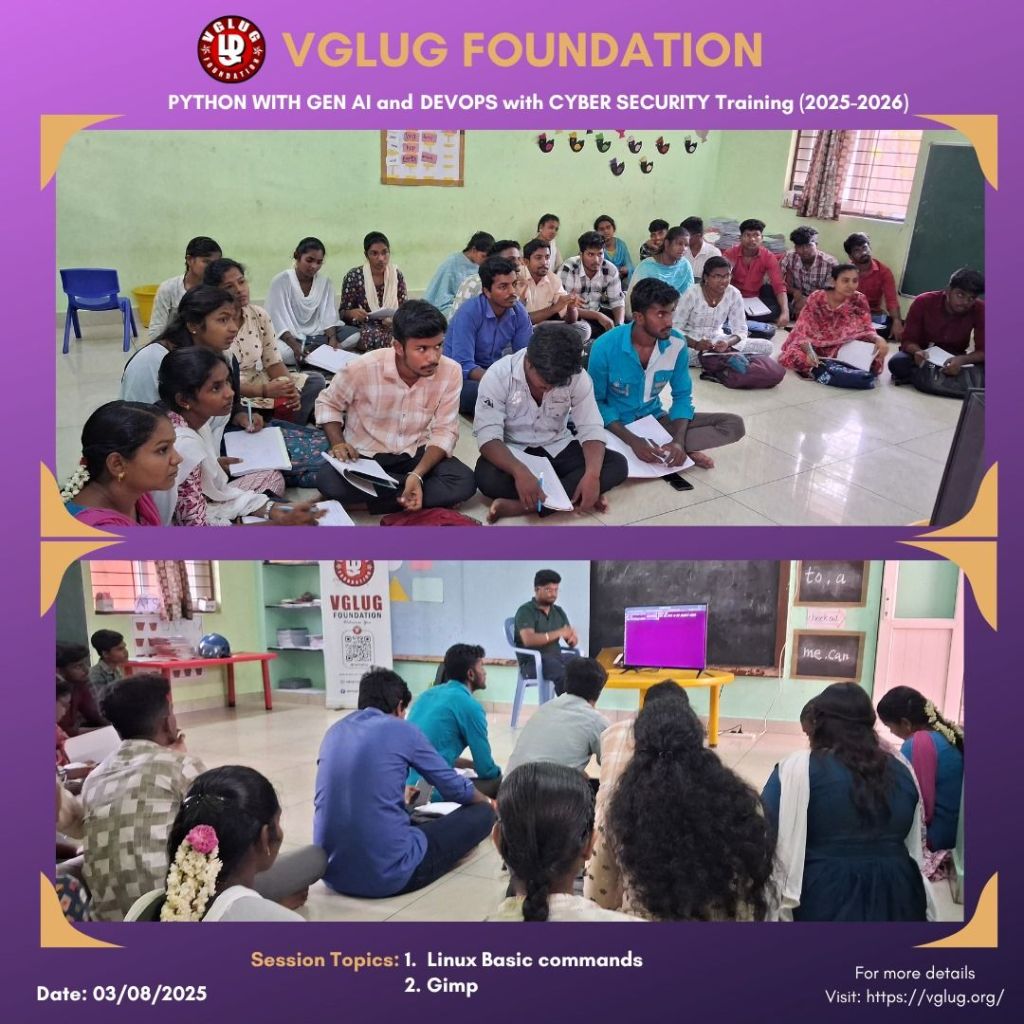
Python With GenAI Training – 10’th Week Recap
Date: 03’rd August 2025 (Sunday)
Time: 9:30 AM to 1:00 PM
Venue:
VGLUG Foundation
SRIMAA PRESCHOOL
Landmark: Opposite to BSNL Exchange
Villupuram 605602
Minutes of the Meeting
Python With GenAI – Richard Stallman and Aron Swatz(Arts) :
Session 1: Tuple in Python – Dilip & Kowsalya
Introduction:
a tuple is a collection data type used to store multiple items in a single variable. Unlike lists, tuples are immutable, which means once a tuple is created, you cannot change its values.
Syntax:
my_tuple = (1, 2, 3)
Key Features of Tuples:
| Feature | Description |
|---|---|
| Immutable | Cannot be modified after creation |
| Ordered | Items have a fixed order |
| Allows Duplicates | Can contain duplicate elements |
| Faster | More efficient than lists in terms of performance |
Tuple vs List – Quick Comparison:
| Feature | List ([]) | Tuple (()) |
|---|---|---|
| Mutable | ✅ Yes | ❌ No |
| Syntax | [1, 2, 3] | (1, 2, 3) |
| Methods | Many (append, remove, etc.) | Few (count, index) |
| Speed | Slower | Faster |
| Use case | For dynamic, changeable data | For fixed, constant data |
Types of Tuples in Python:
| 🔢 Type | 📝 Description | 💡 Example |
|---|---|---|
| 1. Empty Tuple | A tuple with no elements | empty = () |
| 2. Single Element Tuple | A tuple with one item – must end with a comma | single = (5,) |
| 3. Homogeneous Tuple | All elements are of the same data type | nums = (1, 2, 3, 4) |
| 4. Heterogeneous Tuple | Elements have different data types | mixed = (1, "Hello", 3.14, True) |
| 5. Nested Tuple | Tuple inside another tuple | nested = (1, (2, 3), 4) |
| 6. Tuple with List/Dict | Tuple contains other data structures | combo = ([1, 2], {"a": 1}, 3) |
| 7. Tuple Packing | Packing multiple values into a tuple | packed = 10, 20, "hi" |
| 8. Tuple Unpacking | Extracting values from a tuple into variables | a, b = (1, 2) |
Example :
# Empty tuple
empty = ()
# Tuple with one item (note the comma)
one_item = (5,)
# Mixed data types
mixed = (1, “Hello”, 3.14)
# Nested tuple
nested = (1, 2, (3, 4))
Session 2: GIMP – Vasanth
We introduced GIMP (GNU Image Manipulation Program) – a free and open-source tool for creative editing.
- Participants explored how GIMP works, including the interface, layers, and basic tools.
- Hands-on tasks included using tools like brush, eraser, text, fill, and crop.
- The concept of layers and selections was explained for structured editing.
- The session was interactive, helping learners understand the basics of digital design using GIMP.
Python With GenAI – Linux Torvalds Team & Grace Hopper Team
Session 1: Control statement – Deepak & Kanimozhi
Control Statements:
What are Control Statements?
Control statements manage the **flow of execution** in a program. They help in decision making, repeating or skipping parts of code.
1. `break` Statement
Used to exit the loop immediately.
sessions = [‘Python’, ‘Linux’, ‘Git’, ‘exit’, ‘FOSS’]
for topic in sessions:
if topic == ‘exit’:
print(“End of today’s VGLUG agenda.”)
break
print(“Discussing:”, topic)
2. `continue` Statement
Skips the current loop iteration.
participants = [‘Arun’, ”, ‘Kowsalya’, ”]
for name in participants:
if name == ”:
continue
print(name + ” has joined the VGLUG meetup.”)
3. `pass` Statement
Does nothing. Used as a placeholder.
def vglug_future_plan():
pass # To be added in the next planning meeting
# 4. else with Loops
tools = [‘Python’, ‘Linux’, ‘Git’]
for tool in tools:
if tool == ‘Docker’:
break
print(“Tool covered:”, tool)
else:
print(“Docker session is not scheduled by VGLUG.”)
print(“-” * 40)
# 5. Nested Control Statements
users = [‘Kowsalya’, ‘Arun’, ‘Vasanth’]
roles = [‘admin’, ‘member’, ‘guest’]
for user in users:
for role in roles:
print(user, “->”, role)
if user == ‘Arun’ and role == ‘guest’:
print(“Guest cannot access admin panel”)
break
print(“-” * 40)
# 6. Real-Life: VGLUG CLI Program
while True:
cmd = input(“VGLUG> “)
if cmd == ‘exit’:
print(“Thanks for attending!”)
break
elif cmd == ”:
continue
else:
print(“Executing:”, cmd)
Session 2: Linux Commands Part 2- Muthuram & Loganathan
After learning basic Linux commands (like ls, cd, mkdir, rm, etc.), it’s important to explore more advanced Linux commands that help in managing processes, files, permissions, users, and networks. These are commonly used by developers, system admins, DevOps engineers, and power users.
Example commands:
File Permissions & Ownership
ls -l
chmod +x script.sh
chmod 755 file.txt
sudo chown user:group file.txt
Process Management
ps aux
top
kill -9
nice -n 10 command
renice -n 5
Archive & Compression
tar -cvf archive.tar folder/
tar -xvf archive.tar
gzip file.txt
gunzip file.txt.gz
Disk Usage & Space
df -h
du -sh folder/
Networking Commands
ip a
ping google.com
netstat -tuln
Package Management (Debian/Ubuntu)
sudo apt update
sudo apt upgrade
sudo apt install package-name
sudo apt remove package-name
File Searching
find / -name “*.pdf”
find . -mtime -1
grep “search_text” *.txt
User Management
sudo adduser username
sudo deluser username
su – username
Combine Commands
mkdir test && cd test
command1 || echo “Failed”
cd folder; ls; pwd
Bonus
history
alias ll=’ls -la’
crontab -e
man grep
DevSecOps: Ada Lovelace Team
Session 1: Shell Scripting – Vignesh
# Shell Scripting Basics
#!/bin/bash
# Every shell script starts with the shebang above
# 1. Print a message
echo “Welcome to VGLUG Linux Session!”
# 2. Variables and echo
name=”Kowsalya”
echo “Hello, $name!”
# 3. If-else statement
age=18
if [ $age -ge 18 ]; then
echo “Eligible to vote”
else
echo “Not eligible”
fi
# 4. For loop
for i in 1 2 3 4 5
do
echo “Count: $i”
done
# 5. Read user input
echo “Enter your name:”
read user
echo “Hello, $user!”
# 6. Real-life: Quick system check
echo “VGLUG Quick Commands”
date
whoami
pwd
# 7. How to run this script:
# Save as: script.sh
# Run: chmod +x script.sh
# Then: ./script.sh
DevSecOps: Bob Thomas Team
Session 1: Linux Basic commands – Loganathan V
# Basic Linux Commands with Descriptions
pwd
# Prints the current working directory (shows where you are in the system)
ls
# Lists all files and folders in the current directory
ls -l
# Lists with details like permissions, owner, size, and modified date
cd foldername/
# Changes the directory to the specified folder
cd ..
# Moves one step back (to the parent directory)
mkdir myfolder
# Creates a new directory named ‘myfolder’
rm file.txt
# Deletes the specified file
rm -r folder/
# Deletes the folder and all its contents (recursive)
cp source.txt dest.txt
# Copies a file from source to destination
mv file.txt folder/
# Moves a file into a folder (can also be used to rename)
touch newfile.txt
# Creates a new empty file
cat file.txt
# Displays the content of a file in the terminal
clear
# Clears the terminal screen
whoami
# Displays the current logged-in user
uname -a
# Shows system information (kernel, OS, architecture)
shutdown now
# Immediately shuts down the system (admin only)
reboot
# Restarts the system
Session 2: Gimp- Bharathi
GIMP – GNU Image Manipulation Program
GIMP is a free and open-source image editing software used for tasks like photo editing, graphic design, and creating posters. It’s a great alternative to Photoshop.
How GIMP Works:
– Supports layers, filters, and multiple image formats (.png, .jpg, .xcf).
– Tools include: Crop, Paintbrush, Text Tool, Move Tool, Eraser, and more.
In Our VGLUG Session:
– Introduced GIMP interface.
– Edited sample images.
– Designed a poster.
– Explored layer-based editing.
Example Activities:
– Created VGLUG event poster.
– Removed background from an image.
– Added text and filters to photos.
Special thanks to the VGLUG volunteers —Vasanth, Dilip, Loganathan, Bharathi, Deepak,Vignesh ,Kanimozhi ,Mathusoothanan, Kowsya and Muthuram — for their dedicated support and commitment to making these training sessions successful.



 VGLUG Foundation