
VGLUG is dedicated to empowering rural college students through technology education.
As part of this initiative, we conduct weekly training sessions on Python With GenAI and DevSecOps..
Due to the large number of participants, the training is organized into six teams:
- Python & GenAI – Linus Torvalds(Team 1) & Grace Hopper(Team 2): Assigned to Engineering students
- Python & GenAI – Richard Stallman(Team 1) & Aron Swatz (Team 2): Assigned to Arts and Science students
- DevSecOps – Ada Lovelace (Arts) & Bob Thomas (Engg): Comprising both Engineering and Arts students
These sessions focus on practical knowledge of Python, GenAI, DevSecOps, free and open-source tools, and also include social awareness and community engagement activities.
Python With GenAI Training – 10’th Week Recap
Date: 10’th August 2025 (Sunday)
Time: 9:30 AM to 1:00 PM
Venue:
VGLUG Foundation
SRIMAA PRESCHOOL
Landmark: Opposite to BSNL Exchange
Villupuram 605602
Minutes of the Meeting
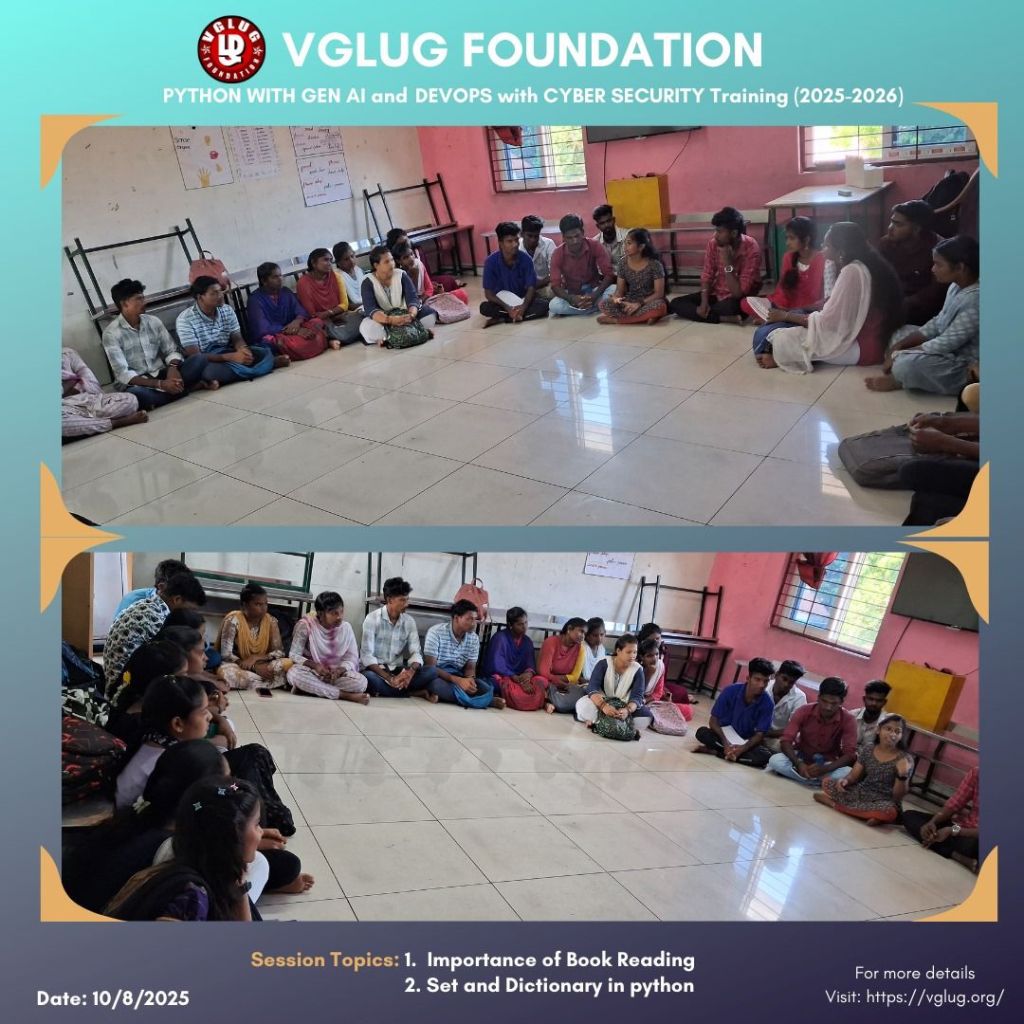
Python With GenAI – Richard Stallman and Aron Swatz(Arts) :
Session 1: Python – Set & Dictionary – Dilip & Kanimozhi
Set:Unordered, mutable, no duplicate elements.
Syntax:
my_set = {1, 2, 3}
Example :
fruits = {“apple”, “banana”, “mango”}
fruits.add(“orange”) # Add element
fruits.remove(“banana”) # Remove element
print(fruits)
Dictionary:
Collection of key–value pairs, unordered, mutable, keys must be unique.
Syntax: my_dict = {“key”: “value”}
Example :
student = {“name”: “Kowsi”, “age”: 24, “course”: “Python”}
student[“age”] = 25 # Update value
student[“city”] = “Chennai” # Add new key–value
print(student)
How it helps in real life:
- Set ensures no duplicate skills are stored.
- Dictionary stores complete employee profile with multiple details.
- Easy to update, search, and merge data.
Session 2: Book Reading – Importance – Kowsalya
We introduced this new topic and students showed great interest. They opened up, shared their own reading experiences, and connected the benefits to their daily life, making the discussion lively and inspiring.
- Boosts knowledge & awareness
- Improves focus & concentration
- Enhances vocabulary & communication
- Reduces stress & relaxes the mind
- Sparks imagination & creativity
- Builds critical thinking skills
- Encourages life-long learning
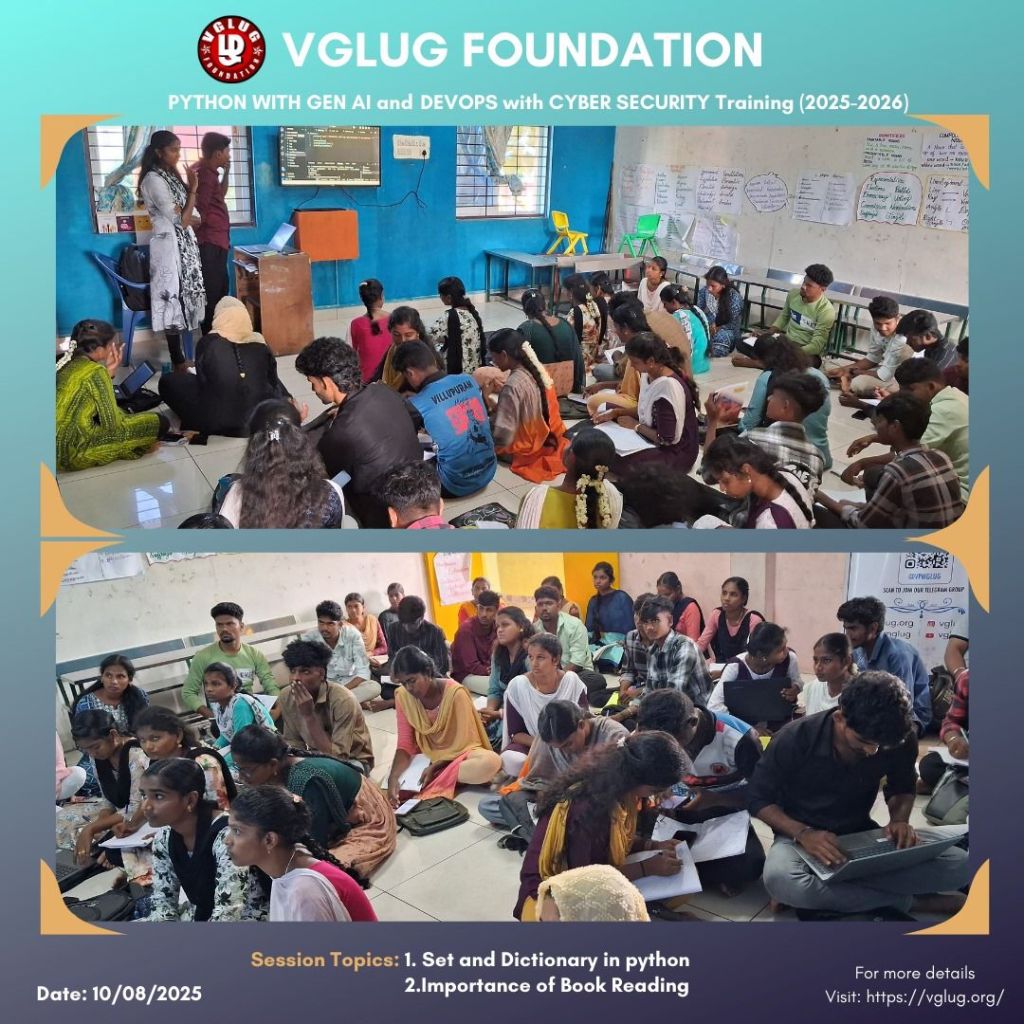
Python With GenAI – Linux Torvalds Team & Grace Hopper Team
Session 1: Looping statement – Deepak
What is a Loop?
A loop is used to repeat a block of code multiple times until a condition is met.
Why use Loops?
- Reduces code repetition
- Saves time & effort
- Automates repetitive tasks
Types of Loops in Python:
- for loop – Iterates over a sequence (list, tuple, string, etc.)
- while loop – Runs until a given condition becomes False
Syntax:
For Loop :
for item in sequence:
# code block
while loop:
while condition:
# code block
Examples :
tasks = [“Deploy code”, “Run tests”, “Push to GitHub”]
for task in tasks:
if task == “Run tests”:
print(“Test server down, skipping…”)
continue
print(“Task done:”, task)
else:
print(“All tasks processed successfully!”)
Session 2: Git- Gokul
What is Git?
Git is a distributed version control system used to track changes in files and coordinate work among multiple people.
Why use Git?
- Tracks every change made to code
- Helps in collaboration with team members
- Allows reverting to previous versions
- Works offline and online
- Ensures code safety
Basic Git Commands:
- git init
- git clone <url>
- git status
- git add <file>
- git add .
- git commit -m “msg”
- git push
- git pull
- git branch
- git checkout <branch>
- git merge <branch>
- git log
DevSecOps: Ada Lovelace Team
Session 1: Shell Scripting – Vignesh
# Shell Scripting Basics
#!/bin/bash
# Every shell script starts with the shebang above
# 1. Print a message
echo “Welcome to VGLUG Linux Session!”
# 2. Variables and echo
name=”Kowsalya”
echo “Hello, $name!”
# 3. If-else statement
age=18
if [ $age -ge 18 ]; then
echo “Eligible to vote”
else
echo “Not eligible”
fi
# 4. For loop
for i in 1 2 3 4 5
do
echo “Count: $i”
done
# 5. Read user input
echo “Enter your name:”
read user
echo “Hello, $user!”
# 6. Real-life: Quick system check
echo “VGLUG Quick Commands”
date
whoami
pwd
# 7. How to run this script:
# Save as: script.sh
# Run: chmod +x script.sh
# Then: ./script.sh
DevSecOps: Bob Thomas Team
Session 1: Linux Basic commands – Loganathan V
# Basic Linux Commands with Descriptions
pwd
# Prints the current working directory (shows where you are in the system)
ls
# Lists all files and folders in the current directory
ls -l
# Lists with details like permissions, owner, size, and modified date
cd foldername/
# Changes the directory to the specified folder
cd ..
# Moves one step back (to the parent directory)
mkdir myfolder
# Creates a new directory named ‘myfolder’
rm file.txt
# Deletes the specified file
rm -r folder/
# Deletes the folder and all its contents (recursive)
cp source.txt dest.txt
# Copies a file from source to destination
mv file.txt folder/
# Moves a file into a folder (can also be used to rename)
touch newfile.txt
# Creates a new empty file
cat file.txt
# Displays the content of a file in the terminal
clear
# Clears the terminal screen
whoami
# Displays the current logged-in user
uname -a
# Shows system information (kernel, OS, architecture)
shutdown now
# Immediately shuts down the system (admin only)
reboot
# Restarts the system
Session 2: Gimp- Vasanthavel
GIMP – GNU Image Manipulation Program
GIMP is a free and open-source image editing software used for tasks like photo editing, graphic design, and creating posters. It’s a great alternative to Photoshop.
How GIMP Works:
– Supports layers, filters, and multiple image formats (.png, .jpg, .xcf).
– Tools include: Crop, Paintbrush, Text Tool, Move Tool, Eraser, and more.
In Our VGLUG Session:
– Introduced GIMP interface.
– Edited sample images.
– Designed a poster.
– Explored layer-based editing.
Example Activities:
– Created VGLUG event poster.
– Removed background from an image.
– Added text and filters to photos.
Special thanks to the VGLUG volunteers —
Vasanthavel, Dilip, Loganathan, Gokul, Deepak, Vignesh, Kanimozhi,
Mathusoothan, and Kowsalya — for their dedicated support and commitment
to making these training sessions successful.


 VGLUG Foundation