
VGLUG is dedicated to empowering rural college students through technology education.
As part of this initiative, we conduct weekly training sessions on Python With GenAI and DevSecOps.
- Python & GenAI – Linus Torvalds(Team 1) & Grace Hopper(Team 2): Assigned to Engineering students
- Python & GenAI – Richard Stallman(Team 1) & Aron Swatz (Team 2): Assigned to Arts and Science students
- DevSecOps – Ada Lovelace (Arts) & Bob Thomas (Engg): Comprising both Engineering and Arts students
These sessions focus on practical knowledge of Python, GenAI, DevSecOps, free and open-source tools, and also include social awareness and community engagement activities.
Python With GenAI Training – 27’th Week Recap
Date: 25’th January 2026 (Sunday)
Time: 9:30 AM to 1:00 PM
Venue:
VGLUG Foundation
SRIMAA PRESCHOOL
Landmark: Opposite to BSNL Exchange
Villupuram 605602
Minutes of the Meeting
Python With GenAI – Richard Stallman and Aron Swatz(Arts) :
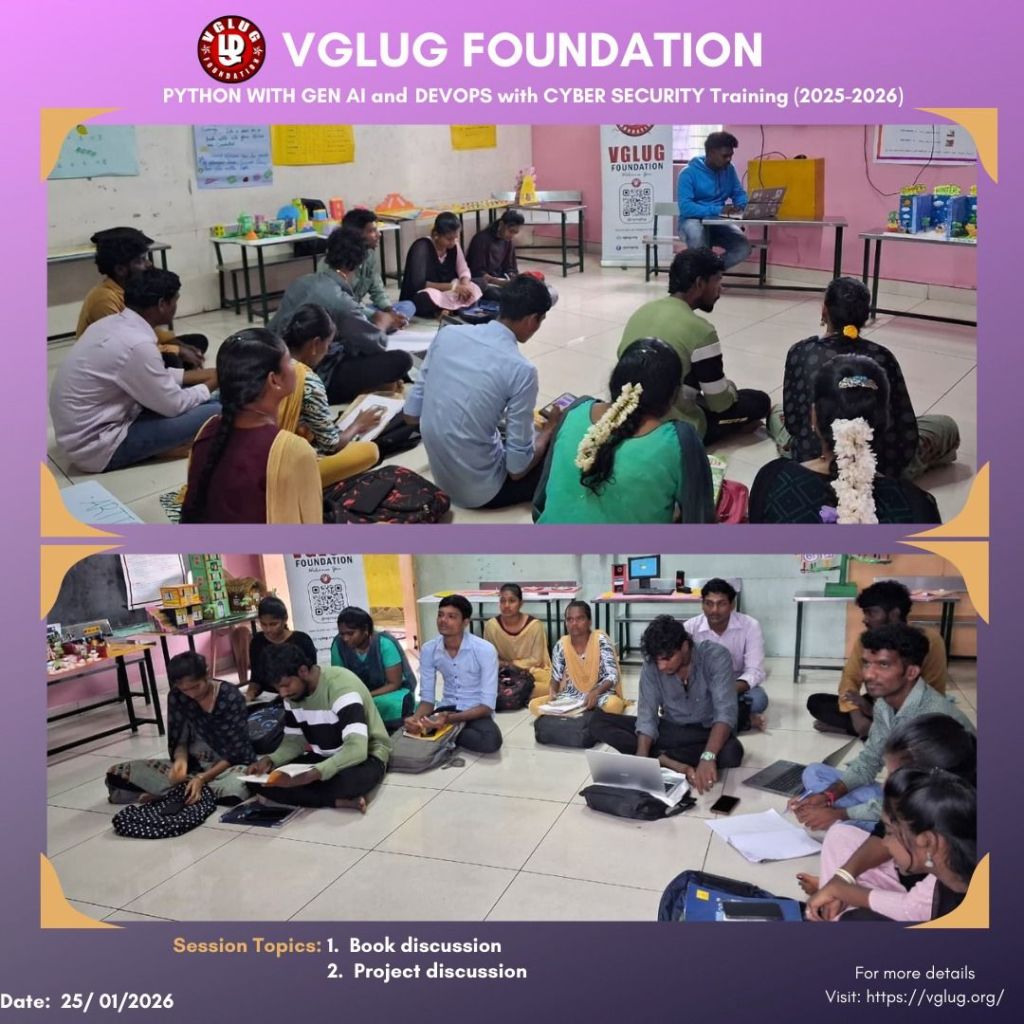
Session 1: Project Discussion – Vasanthavel
We taught students the fundamentals of Prompt Engineering, including defining the role, providing clear context, specifying the task, setting constraints, and describing the expected output. After the session, we assigned a task and grouped the students into teams of 4–5 members. Each team selected a real-time scenarios (education, healthcare, business, or daily life) and designed an effective prompt using the learned prompt structure. The activity helped students understand how well-structured prompts improve clarity and AI responses.
Session 2: Book Reading – Kowsalya & Dilip
We gave books to students to read and understand. After reading, they shared what they learned and explained the key ideas in their own words. This session helped improve their reading habit, confidence, and communication skills while encouraging independent thinking.
Python With GenAI – Linux Torvalds Team & Grace Hopper Team
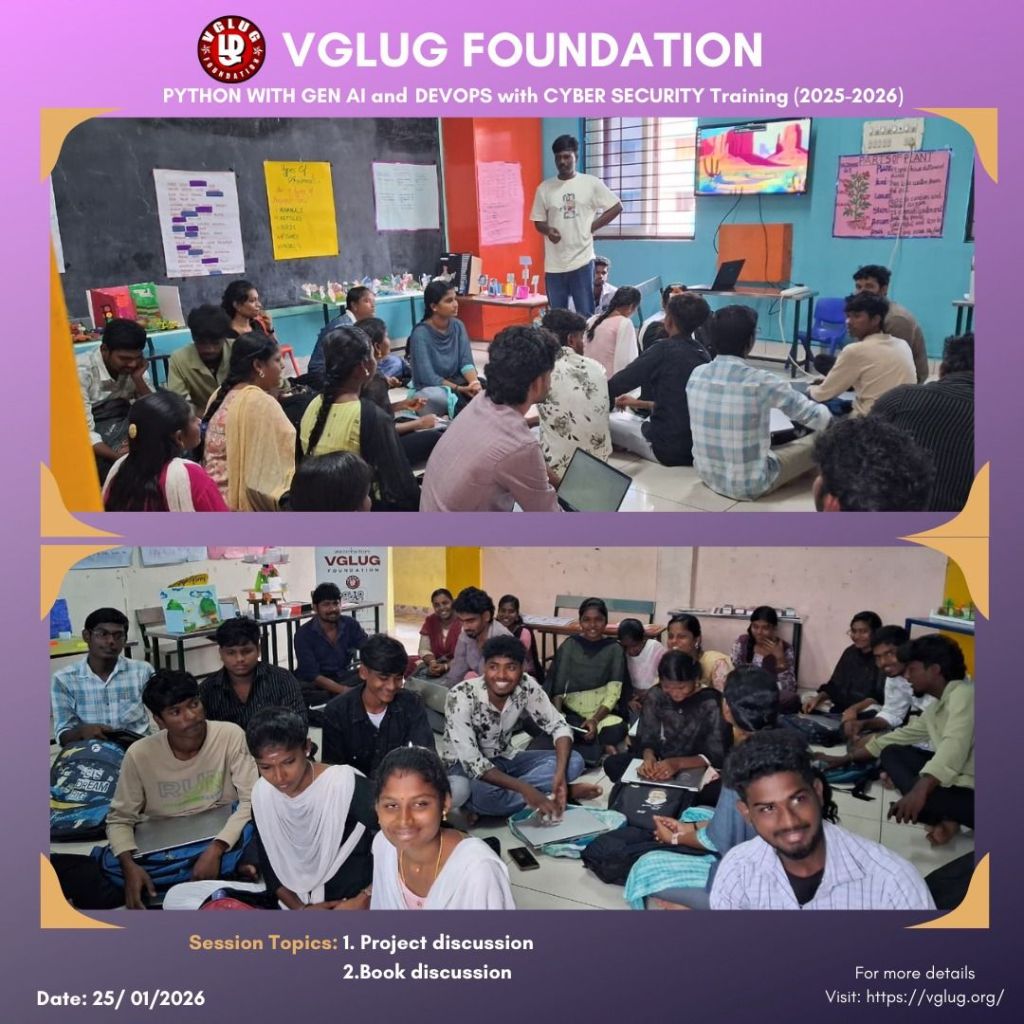
Session 1: Project discussion – Kanimozhi
We taught students the fundamentals of Prompt Engineering, including defining the role, providing clear context, specifying the task, setting constraints, and describing the expected output. After the session, we assigned a task and grouped the students into teams of 4–5 members. Each team selected a real-time scenarios (education, healthcare, business, or daily life) and designed an effective prompt using the learned prompt structure. The activity helped students understand how well-structured prompts improve clarity and AI responses.
Session 2: Kdenlive- Bharathi
Kdenlive is a free and open-source video editing software that is easy to learn and powerful to use.
It supports multi-track video and audio editing with a wide range of effects and transitions.
We demonstrated Kdenlive to the students by showing a sample video project and explaining the editing workflow.
Students were able to understand basic editing concepts such as cutting, trimming, and adding effects.
Kdenlive also supports multiple video formats and features like proxy editing and keyframes.
It is widely used for creating educational videos, short films, and digital content.
DevSecOps: Bob Thomas Team & Ada Lovelace
Session 1:
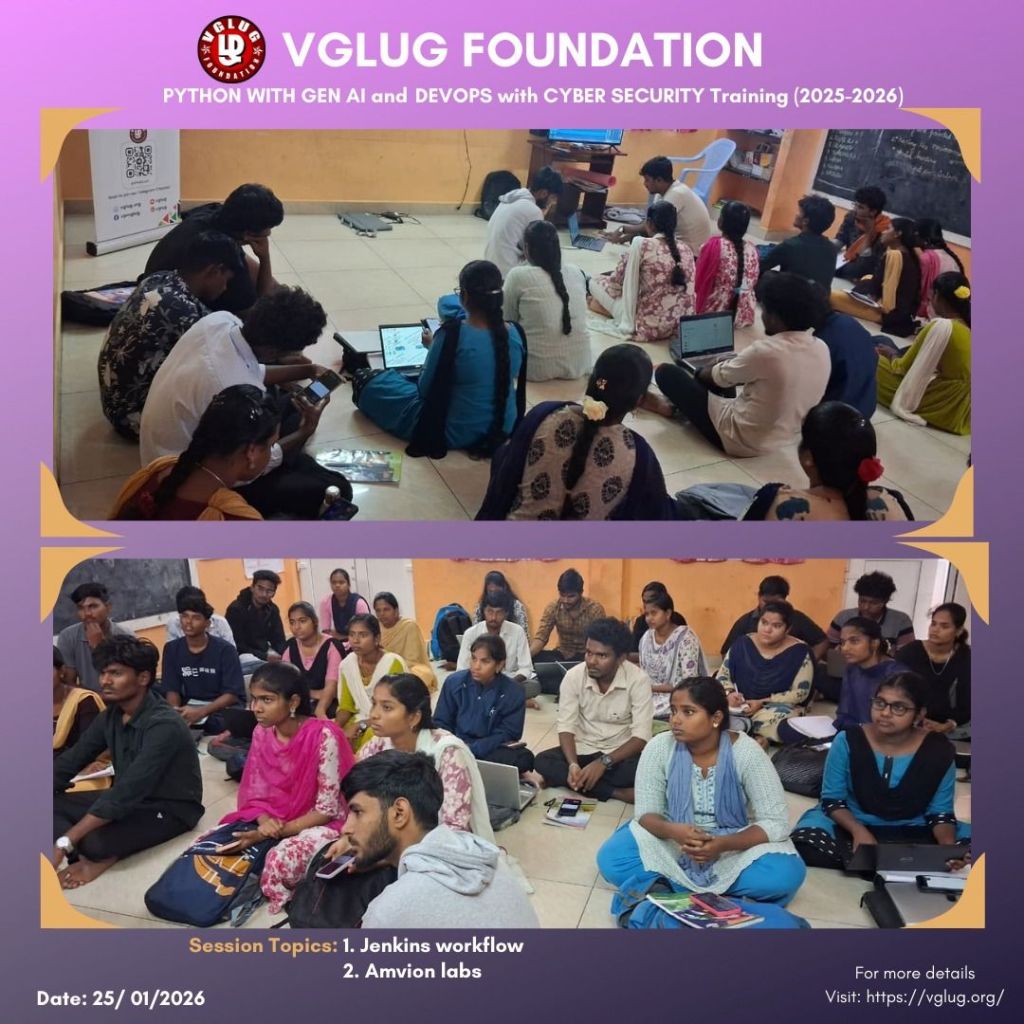
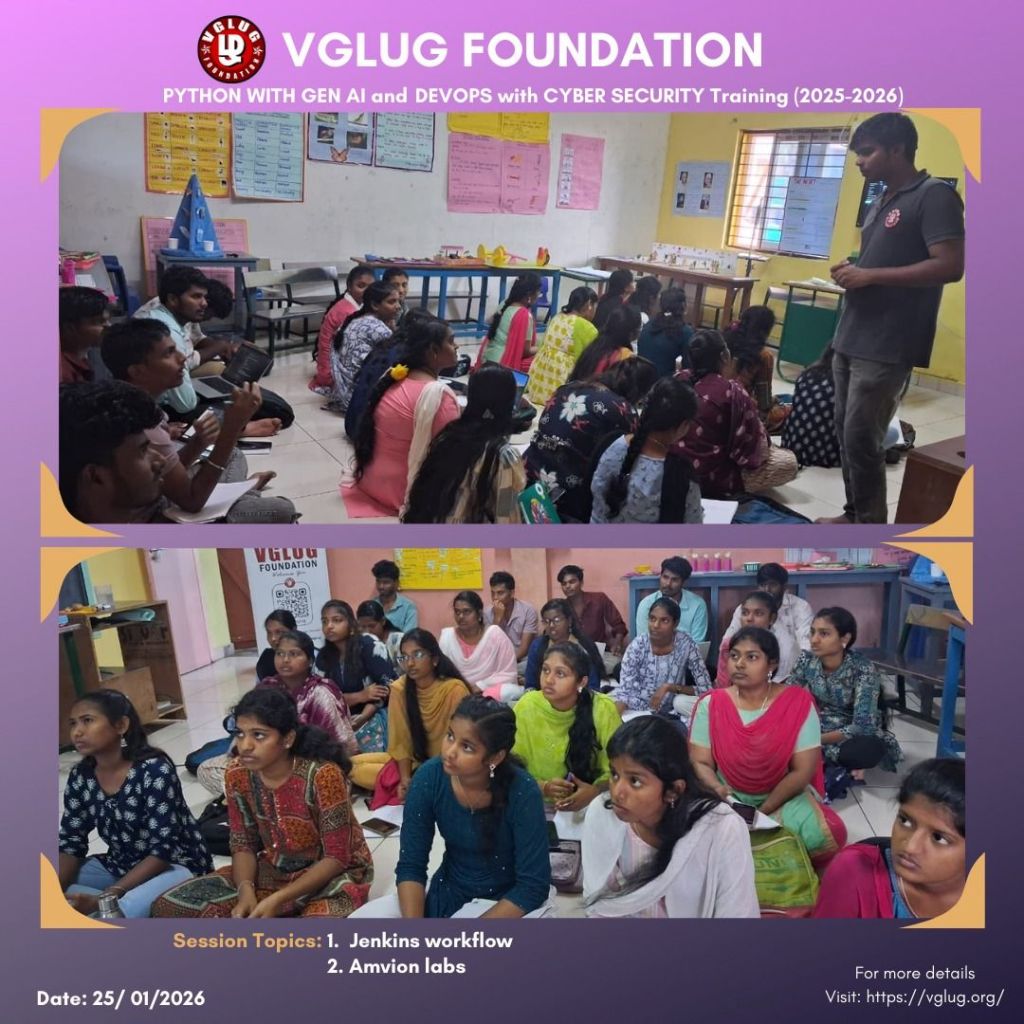
Session 2: Jenkins Workflow – Dilip
Jenkins workflow starts when a code change is pushed to a version control system like Git.
Jenkins automatically triggers a pipeline job defined using a Jenkinsfile. The pipeline runs stages such as build, test, and code quality checks. If tests pass, Jenkins proceeds to package and deploy the application. Build status and logs are generated for monitoring and troubleshooting. This workflow enables continuous integration and continuous delivery (CI/CD).
Special thanks to the VGLUG volunteers —
Vasanthavel, Dilip, Mathusoothan, Kanimozhi, Kowsalya and Bhrathi— for their dedicated support and commitment

 VGLUG Foundation