VGLUG is dedicated to empowering rural college students through technology education.
As part of this initiative, we conduct weekly training sessions on Python With AgenticAI.
- Python & AgenticAI – Arts(Team 1) & Arts(Team 2) & Arts (Team 3)
- Python & AgenticAI – Engg(Team 1) & Engg(Team 2) & Engg(Team 3)
These sessions focus on practical knowledge of Python, AgenticAI, free and open-source tools, and also include social awareness and community engagement activities.
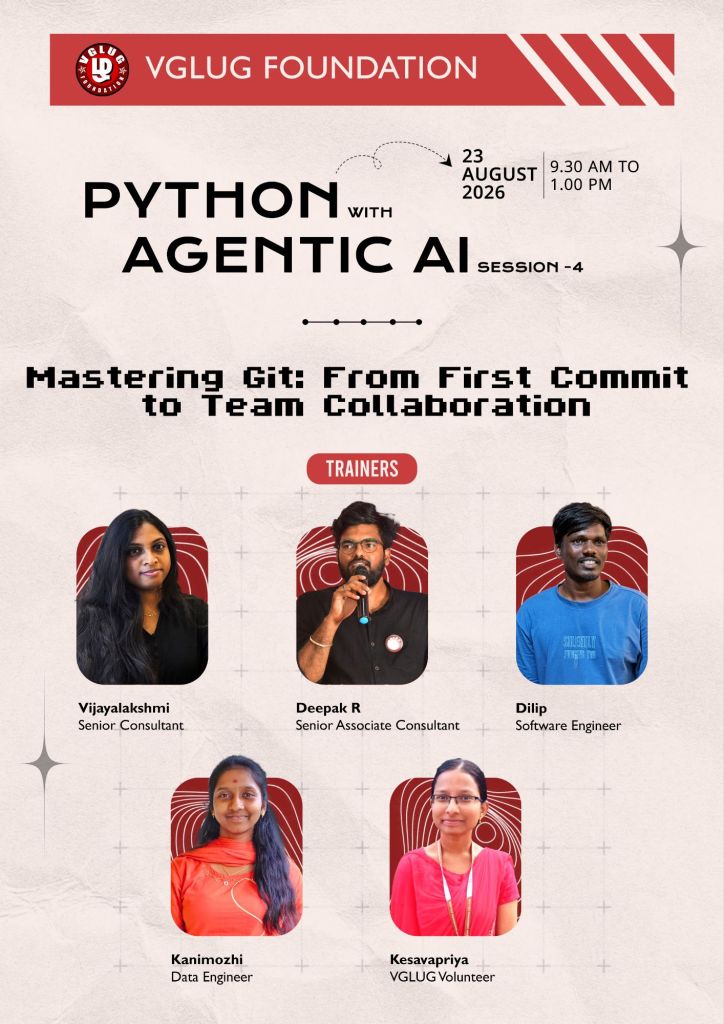
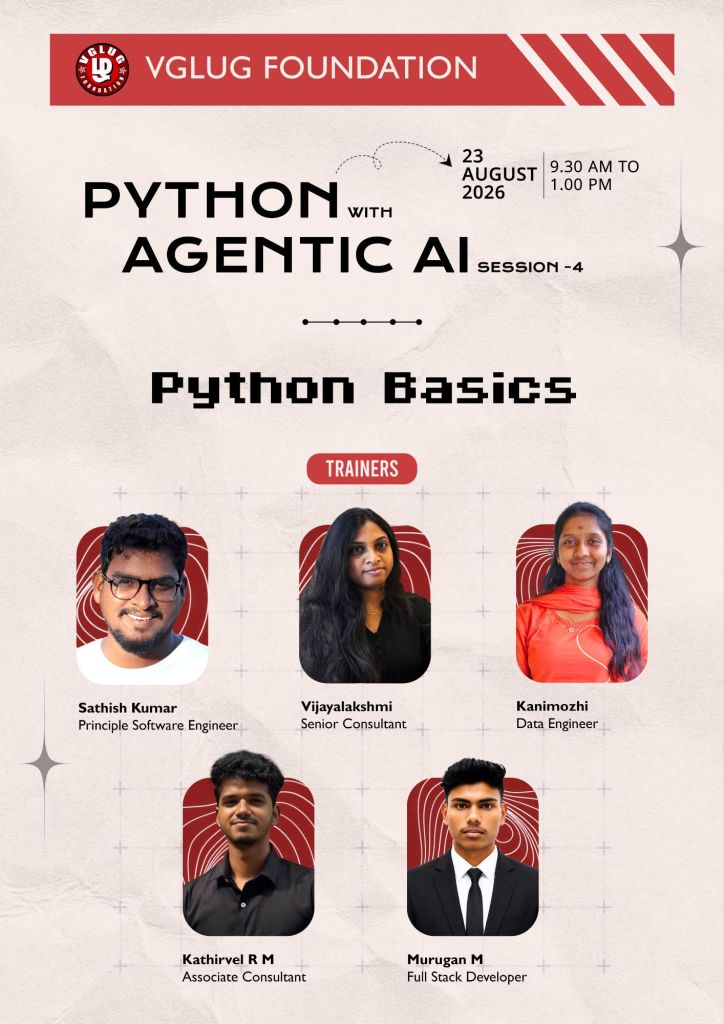
Python With AgenticAI Training Session – 4’th Week Recap
Session Taken : Sathish, Dilip, Deepak, Kanimozhi , Vijayalakshmi, Prathap, Murugan, Kathirvel, Kesavapriya
Session 1: – Python Conditions
Session 1: – Mastering Git : From first commit to team collaboration
Date: 23-08-2026 (Sunday)
Time: 9:30 AM to 1:00 PM
Minutes of the Meeting
Python With AgenticAI – (Arts Team1,Team2, Team3) & (Engg Team1,Team2, Team3)
Session 1: Python Conditions:
Conditions are used to make decisions in a Python program. A condition checks whether a statement is True or False.
Example:
If today is Sunday → Come to the VGLUG meetup.
Otherwise → Don’t come to the VGLUG meetup
day = "Sunday"if day == "Sunday": print("Come to the VGLUG meetup! ")else: print("Don't come to the VGLUG meetup.")
Output:
Come to the VGLUG meetup!
Types of Conditions in Python:
ifstatementif...elsestatementif...elif...elsestatement
if Statement:
If the condition is True, the message is printed.
day = "Sunday"if day == "Sunday": print("Come to the VGLUG meetup!")
if...else Statement:
if → Sundayelse → Other days
day = "Monday"if day == "Sunday": print("Come to the VGLUG meetup!")else: print("Don't come to the VGLUG meetup.")
if...elif...else Statement:
Used when there are multiple choices.
day = "Saturday"if day == "Sunday": print("VGLUG Meetup")elif day == "Saturday": print("Project Work")else: print("No VGLUG Activity")
Nested if:
An if condition inside another if is called nested if.
day = "Sunday"meetup = Trueif day == "Sunday": if meetup: print("Come to the VGLUG meetup!")
Python Conditions
↓
┌───┴────┐
↓ ↓
Decision Operators
↓
┌─┼───────────────┐
↓ ↓ ↓
if if-else if-elif-else
↓
Multiple Choices
| Condition | Simple Meaning | VGLUG Example |
|---|---|---|
if | One decision | If Sunday → Come |
if...else | Two choices | Sunday → Come, otherwise → Don’t come |
if...elif...else | Multiple choices | Sunday/Saturday/Friday → Different activities |
Nested if | Condition inside condition | Sunday → Check meetup |
and | Both must be True | Sunday and meetup |
or | Any one can be True | Sunday or special event |
not | Reverse the condition | Meetup is not cancelled |
Session 2: Mastering Git : From first commit to team collaboration:
What is Git?
Git is a free and open-source version control system used to track changes in files and manage source code.
Why Do We Need Git?
WITHOUT GIT↓
Copy → Rename → Share
↓
Confusion
↓
"Which one?!"
WITH GIT
↓
Edit → Add → Commit → Push
↓
GitHub
↓
Review → Merge → Share
↓
Organized Project
Each commit represents a saved version of your project.
Git vs GitHub:
| Git | GitHub |
|---|---|
| Software/tool | Online platform |
| Tracks code changes | Stores and shares code |
| Works mainly on your computer | Works online |
| Internet is not always needed | Internet is generally needed |
| Used for version control | Used for collaboration |
Example: git commit | Example: Pull Request |
Git Commands:
| Git Command | Purpose |
|---|---|
git init | Create a new Git repository |
git status | Check the status of files |
git add . | Add all changes to staging |
git add filename | Add a specific file |
git commit -m "message" | Save changes |
git log | View commit history |
git branch | View branches |
git switch branch-name | Switch to a branch |
git switch -c branch-name | Create and switch to a new branch |
git merge branch-name | Merge a branch |
git clone URL | Download a repository |
git pull | Get the latest changes |
git push | Upload changes to GitHub |
git remote -v | View remote repository |
Students actively participated in the Git and GitHub session and enjoyed the hands-on learning. They created their GitHub accounts, practiced Git commands, created repositories, and successfully pushed their first projects to GitHub. They showed great interest, asked questions, cleared their doubts, and actively participated in the practical activities
Special thanks to Sathish, Dilip, Deepak, Kanimozhi, and Vijayalakshmi, Kesavapriya, Murugan, Kathirvel for their support and contribution in making the Introduction to Python & Introduction to Scratch session successful.