VGLUG is dedicated to empowering rural college students through technology education.
As part of this initiative, we conduct weekly training sessions on Python With AgenticAI.
- Python & AgenticAI – Arts(Team 1) & Arts(Team 2) & Arts (Team 3)
- Python & AgenticAI – Engg(Team 1) & Engg(Team 2) & Engg(Team 3)
These sessions focus on practical knowledge of Python, AgenticAI, free and open-source tools, and also include social awareness and community engagement activities.
Python With AgenticAI Training Session – 6’th Week Recap
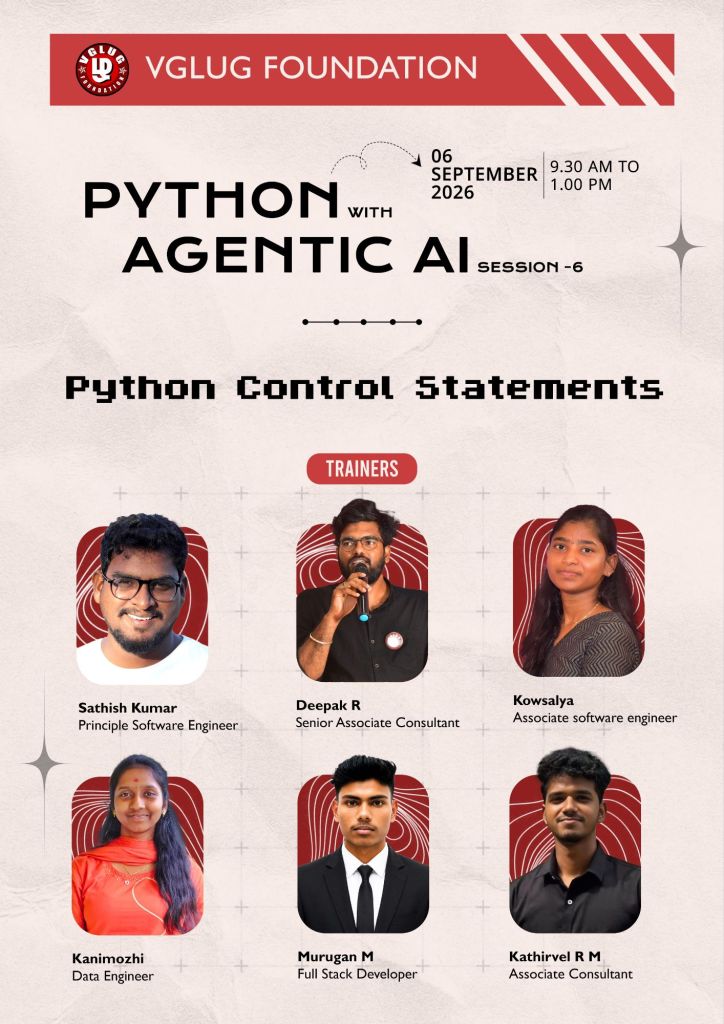
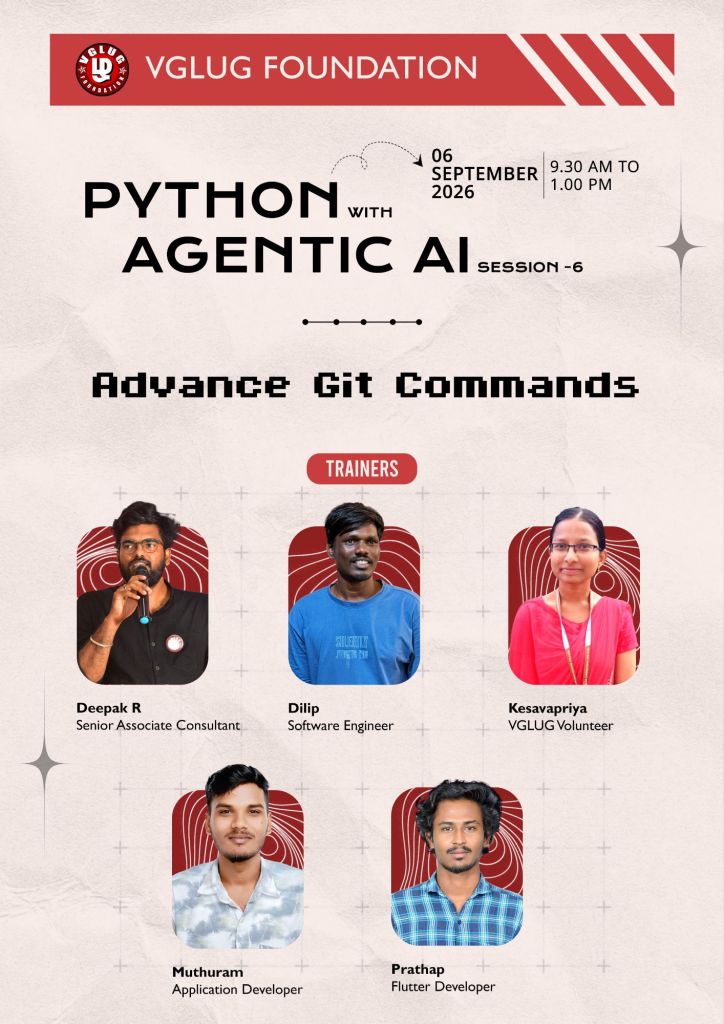
Session Taken : Kowsalya, Sathish, Dilip, Deepak, Kanimozhi , Muthuram, Prathap, Murugan, Kesavapriya
Session 1: – Python Control Statement
Session 1: – Advance git commands
Date: 06-09-2026 (Sunday)
Time: 9:30 AM to 1:00 PM
Minutes of the Meeting
Python With AgenticAI – (Arts Team1,Team2, Team3) & (Engg Team1,Team2, Team3)
Session 1:Python Control Statement :
What are Control Statements?
Control statements are used to control the flow of a Python program.
Normally, Python executes code from top to bottom. Control statements help us to:
- Make decisions
- Repeat tasks
- Stop or skip a task
Main Types of Control Statements in Python:
- Conditional Statements
- Looping Statements
- Jump Statements
1.Conditional Statements
- if
- if-else
- if-elif-else
- nested if
2.Looping Statements
- for
- while
3. Jump Statements
- break
- continue
- pass
| Type | Purpose | Examples |
|---|---|---|
| Conditional | Make decisions | if, if-else, elif |
| Looping | Repeat code | for, while |
| Jump | Stop, skip, or do nothing | break, continue, pass |
if Statement:
Used when we want to execute code only when a condition is True.
age = 20if age >= 18: print("Eligible to Vote")
if-else Statement
Used when there are two possible outcomes.
mark = 35if mark >= 40: print("Pass")else: print("Fail")
if-elif-else Statement
Used when there are multiple conditions.
mark = 75if mark >= 90: print("Grade A")elif mark >= 60: print("Grade B")elif mark >= 40: print("Pass")else: print("Fail")
Nested if Statement:
An if statement inside another if statement is called a nested if.
age = 20if age >= 18: if age >= 21: print("Eligible for both conditions") else: print("Eligible for the first condition only")else: print("Not eligible")
| Loop Type | Purpose | Example | Output |
|---|---|---|---|
| for loop | Repeats code for a given range or sequence | for i in range(1, 6): print(i) | 1 2 3 4 5 |
| while loop | Repeats code as long as a condition is True | i = 1while i <= 5: print(i) i = i + 1 | 1 2 3 4 5 |
| Jump Statement | Purpose | Example | Output |
|---|---|---|---|
| break | Stops the loop immediately | for i in range(1, 6): if i == 3: break print(i) | 1 2 |
| continue | Skips the current iteration and continues with the next one | for i in range(1, 6): if i == 3: continue print(i) | 1 2 4 5 |
| pass | Does nothing; used as a placeholder | for i in range(1, 6): if i == 3: pass print(i) | 1 2 3 4 5 |
Session 2: Git Recall & Advanced Git Commands
Working Directory
↓
git add
↓
Staging Area
↓
git commit
↓
Local Repository
↓
git push
↓
GitHub
| Topic | What to Recall |
|---|---|
| Git | Version control system |
| GitHub | Platform for hosting Git repositories |
| Repository | Project folder tracked by Git |
git init | Create a Git repository |
git status | Check current changes |
git add | Add changes to staging |
git commit | Save changes to Git history |
git push | Upload changes to GitHub |
git pull | Get latest changes from GitHub |
git clone | Copy a remote repository |
git log | View commit history |
| Command | Purpose | Simple Example |
|---|---|---|
git branch | View branches | git branch |
git branch new-feature | Create a branch | git branch new-feature |
git switch new-feature | Move to a branch | git switch new-feature |
git switch -c feature | Create and switch to a branch | git switch -c feature |
git merge | Combine branches | git merge feature |
git stash | Temporarily save changes | git stash |
git stash pop | Bring back stashed changes | git stash pop |
git diff | View changes | git diff |
git log --oneline | Show compact commit history | git log --oneline |
git remote -v | View remote repository URL | git remote -v |
git fetch | Get remote updates without merging | git fetch |
git reset | Undo changes/commits | git reset --soft HEAD~1 |
Special thanks to Kowsalya, Sathish, Dilip, Deepak, Kanimozhi , Muthuram, Prathap, Murugan, Kesavapriya for their support and contribution in making the Python Control Statement
& Advance git commands session successful.