VGLUG is dedicated to empowering rural college students through technology education.
As part of this initiative, we conduct weekly training sessions on Python With AgenticAI.
- Python & AgenticAI – Arts(Team 1) & Arts(Team 2) & Arts (Team 3)
- Python & AgenticAI – Engg(Team 1) & Engg(Team 2) & Engg(Team 3)
These sessions focus on practical knowledge of Python, AgenticAI, free and open-source tools, and also include social awareness and community engagement activities.
Python With AgenticAI Training Session – 7’th Week Recap
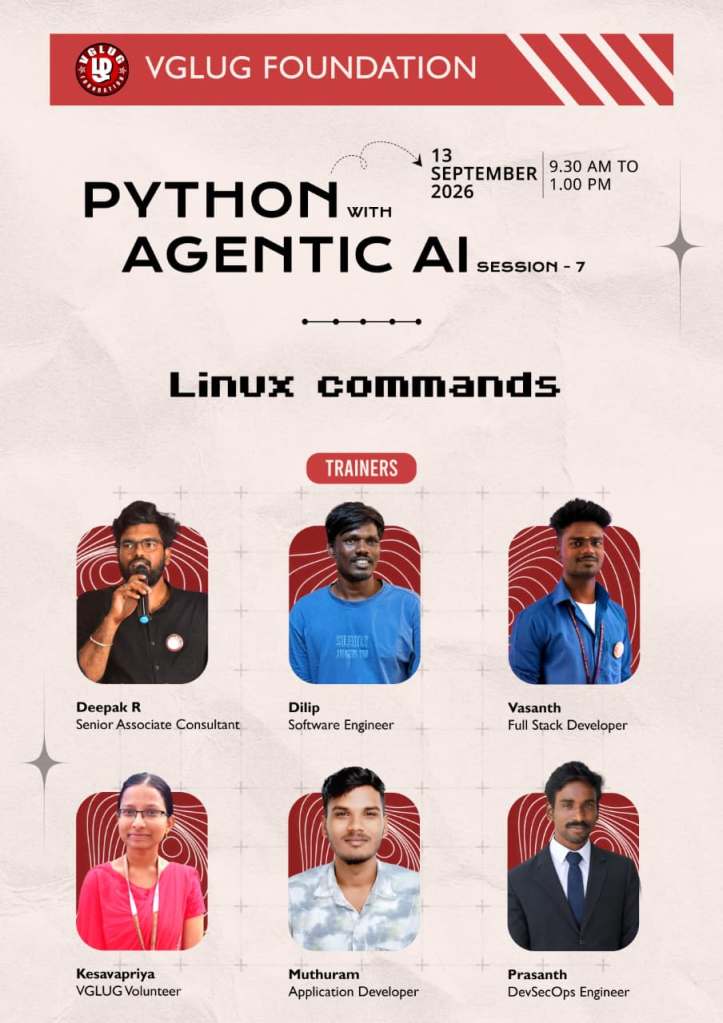
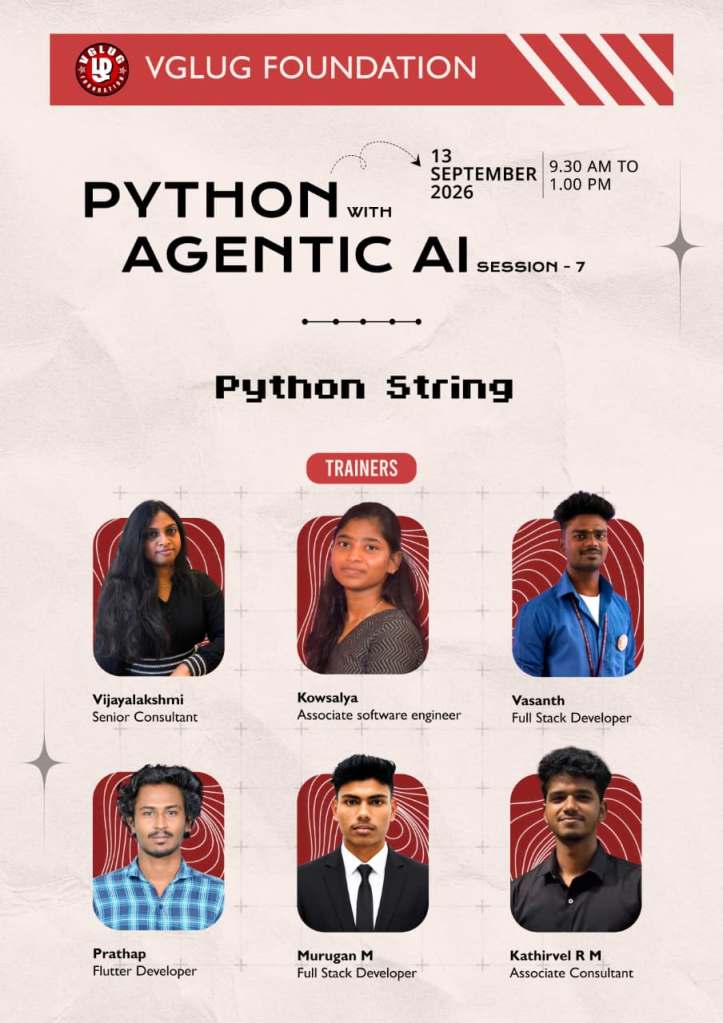
Session Taken : Kowsalya, Sathish, Dilip, Deepak, Kanimozhi , Vijayalakshmi, Prathap, Murugan,Vasanth,Prasanth
Session 1: – Python String
Session 1: – Linux Commands
Date: 13-09-2026 (Sunday)
Time: 9:30 AM to 1:00 PM
Minutes of the Meeting
Python With AgenticAI – (Arts Team1,Team2, Team3) & (Engg Team1,Team2, Team3)
Session 1: Python String:
1. What is a String?
Definition:
A string is a sequence of characters enclosed within quotation marks (‘ ‘, ” “, ”’ ”’, or “”” “””).
Simple explanation:
A string is used to store text in Python.
Types of String Operations
- Concatenation
- Repetition
- Indexing
- Slicing
- Membership
- Comparison
1. Concatenation
Definition: Concatenation is the process of combining two or more strings using the + operator.
Example :
first_name = “VGLUG”
last_name = “Foundation”
result = first_name + ” ” + last_name
print(result)
Output:
VGLUG Foundation
Definition: Repetition is the process of repeating a string multiple times using the * operator.
2. Repetition
Definition: Repetition is the process of repeating a string multiple times using the * operator.
Example :
name = “Python “
print(name * 3)
Output:
Python Python Python
3. Indexing
Definition: Indexing is used to access a character from a string using its position.
Note: Python indexing starts from 0.
Example :
name = “Python”
print(name[0])
print(name[1])
print(name[2])
Output :
P
y
t
Index positions:
| Character | P | y | t | h | o | n |
| Index | 0 | 1 | 2 | 3 | 4 | 5 |
4. Slicing
Definition: Slicing is used to extract a part of a string using a range of index positions.
Example:
name = “Python”
print(name[0:3])
Output:
Pyt
5. Membership
Definition: Membership is used to check whether a character or word exists in a string using in or not in.
Example :
name = “Python”
print(“P” in name)
print(“z” not in name)
Output:
True
True
6. Comparison
Definition: Comparison is used to compare two strings using comparison operators such as == and !=.
Example:
a = “Python”
b = “Python”
print(a == b)
Output :
True
Important String Methods :
| Type / Method | Definition / Action | Example |
| upper() | Converts all letters to uppercase. | “python”.upper() → “PYTHON” |
| lower() | Converts all letters to lowercase. | “PYTHON”.lower() → “python” |
| capitalize() | Converts the first character to uppercase. | “python”.capitalize() → “Python” |
| title() | Converts the first character of each word to uppercase. | “python programming”.title() → “Python Programming” |
| strip() | Removes spaces from the beginning and end. | ” Python “.strip() → “Python” |
| replace() | Replaces one text with another text. | “I like Python”.replace(“Python”, “Java”) → “I like Java” |
| split() | Splits a string into multiple parts/list. | “Python is easy”.split() → [‘Python’, ‘is’, ‘easy’] |
| join() | Joins multiple strings into one string. | ” “.join([“Python”, “is”, “easy”]) → “Python is easy” |
| find() | Finds the position/index of specified text. | “Python”.find(“t”) → 2 |
| count() | Counts how many times specified text occurs. | “banana”.count(“a”) → 3 |
| startswith() | Checks whether a string starts with specified text. | “Python”.startswith(“Py”) → True |
| endswith() | Checks whether a string ends with specified text. | “Python”.endswith(“on”) → True |
| isalpha() | Checks whether all characters are alphabets. | “Python”.isalpha() → True |
| isdigit() | Checks whether all characters are digits. | “12345”.isdigit() → True |
| isalnum() | Checks whether all characters are alphabets or digits. | “Python123”.isalnum() → True |
Quick Recap :
| Type / Method | Purpose |
| + | Combine strings |
| * | Repeat strings |
| [] | Access character |
| [:] | Extract part of a string |
| in | Check membership |
| upper() | Convert to uppercase |
| lower() | Convert to lowercase |
| replace() | Replace text |
| split() | Split into a list |
| join() | Join strings |
| find() | Find position |
| count() | Count occurrences |
1. upper()
Example :
name = “python”
print(name.upper())
Output :
PYTHON
2. lower()
Example :
name = “PYTHON”
print(name.lower())
Output :
Python
3. capitalize()
Definition: The capitalize() method converts the first character of a string into uppercase.
Example :
name = “python programming”
print(name.capitalize())
Output :
Python programming
4. title()
Definition: The title() method converts the first character of each word into uppercase.
Example :
name = “python programming”
print(name.title())
Output :
Python Programming
5. strip()
Definition: The strip() method removes spaces from the beginning and end of a string.
Example:
name = ” Python “
print(name.strip())
Output :
Python
6. replace()
Definition: The replace() method replaces a specified text with another text.
Example:
name = “I like Python”
print(name.replace(“Python”, “Java”))
Output :
I like Java
7. split()
Definition: The split() method splits a string into a list of words.
Example
name = “Python is easy”
print(name.split())
Output :
[‘Python’, ‘is’, ‘easy’]
8. join()
Definition: The join() method joins multiple strings into one string using a separator.
Example:
words = [“Python”, “is”, “easy”]
print(” “.join(words))
Output :
Python is easy
Session 2: Linux Commands:
What is Linux?
Linux is a free and open-source operating system.
- It is based on the Linux Kernel.
- Anyone can study, modify and share its source code.
- It is widely used in:
- Servers Cloud computing
- Supercomputers
- Software development
- Embedded systems
- Cybersecurity
| Command | Meaning | Easy Question |
|---|---|---|
pwd | Print working directory | Where am I? |
ls | List | What is here? |
cd | Change directory | Where do I go? |
mkdir | Make directory | Create folder |
touch | Create file | Create file |
cat | Display file | What’s inside? |
echo | Display/write text | Print text |
cp | Copy | Make a copy |
mv | Move/Rename | Move/change name |
rm | Remove | Delete file |
rmdir | Remove directory | Delete empty folder |
clear | Clear screen | Clean terminal |
whoami | Current user | Who am I? |
date | Date/time | What time/date? |
man | Manual | How does it work? |
Special thanks to Kowsalya, Sathish, Dilip, Deepak, Kanimozhi , Vijayalakshmi, Prathap, Murugan,Vasanth,Prasanth for their support and contribution in making the Python String & Linux Commands session successful.